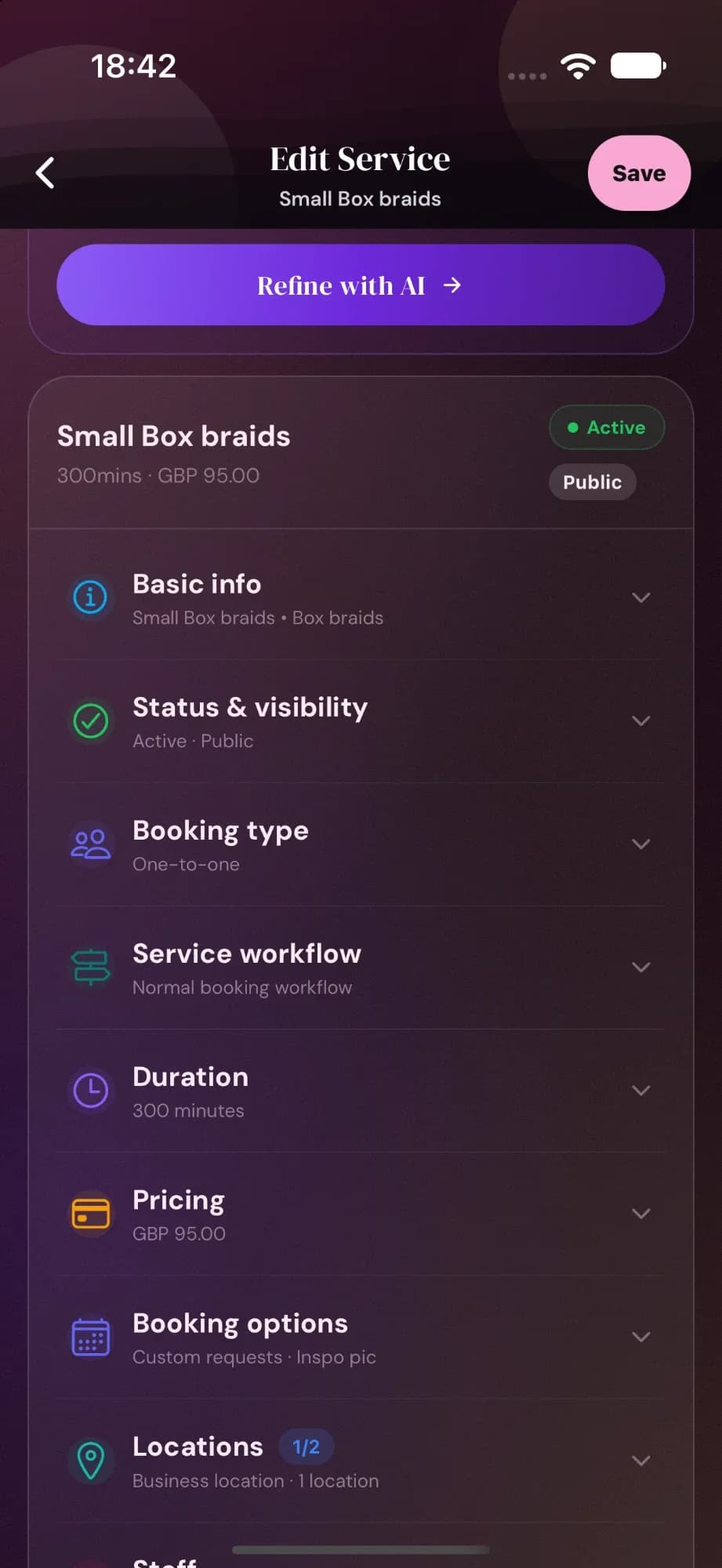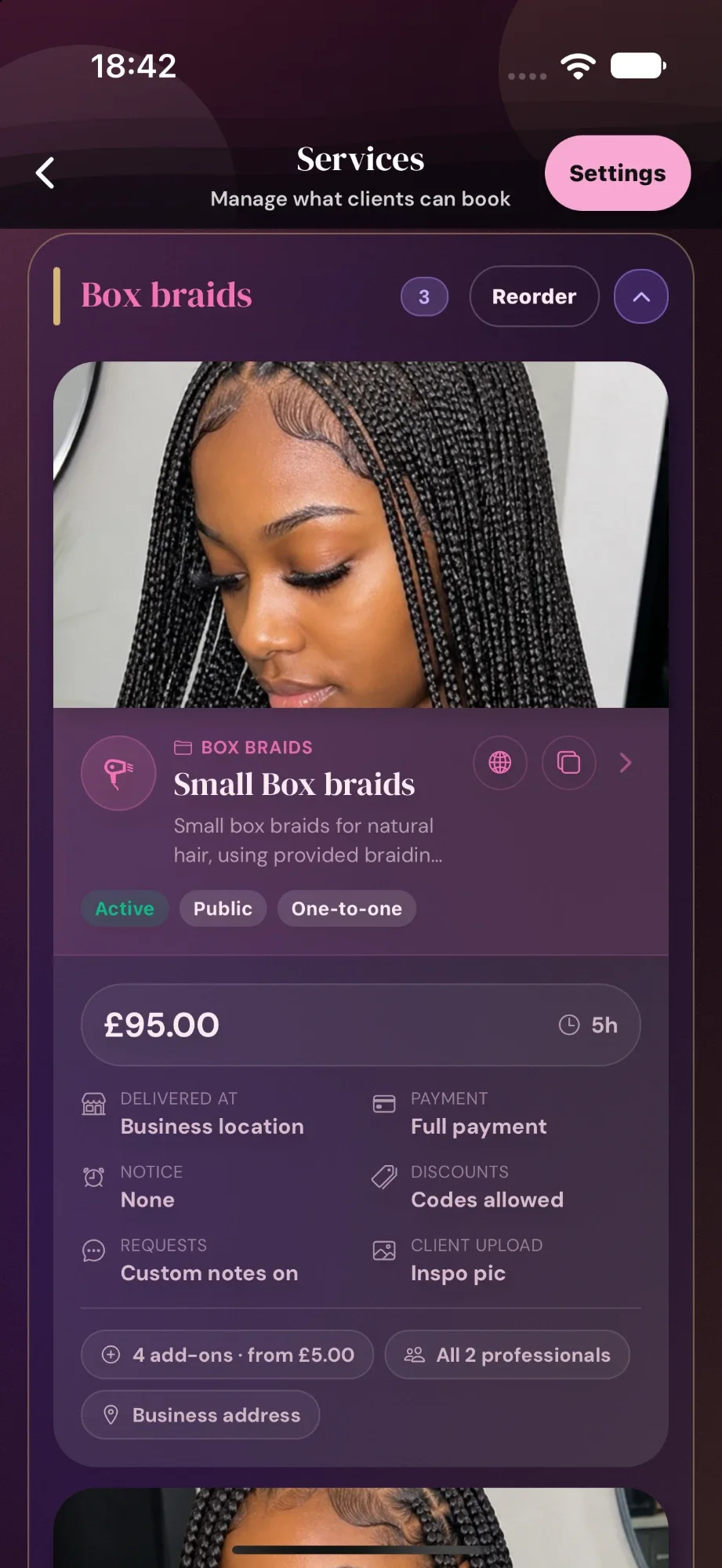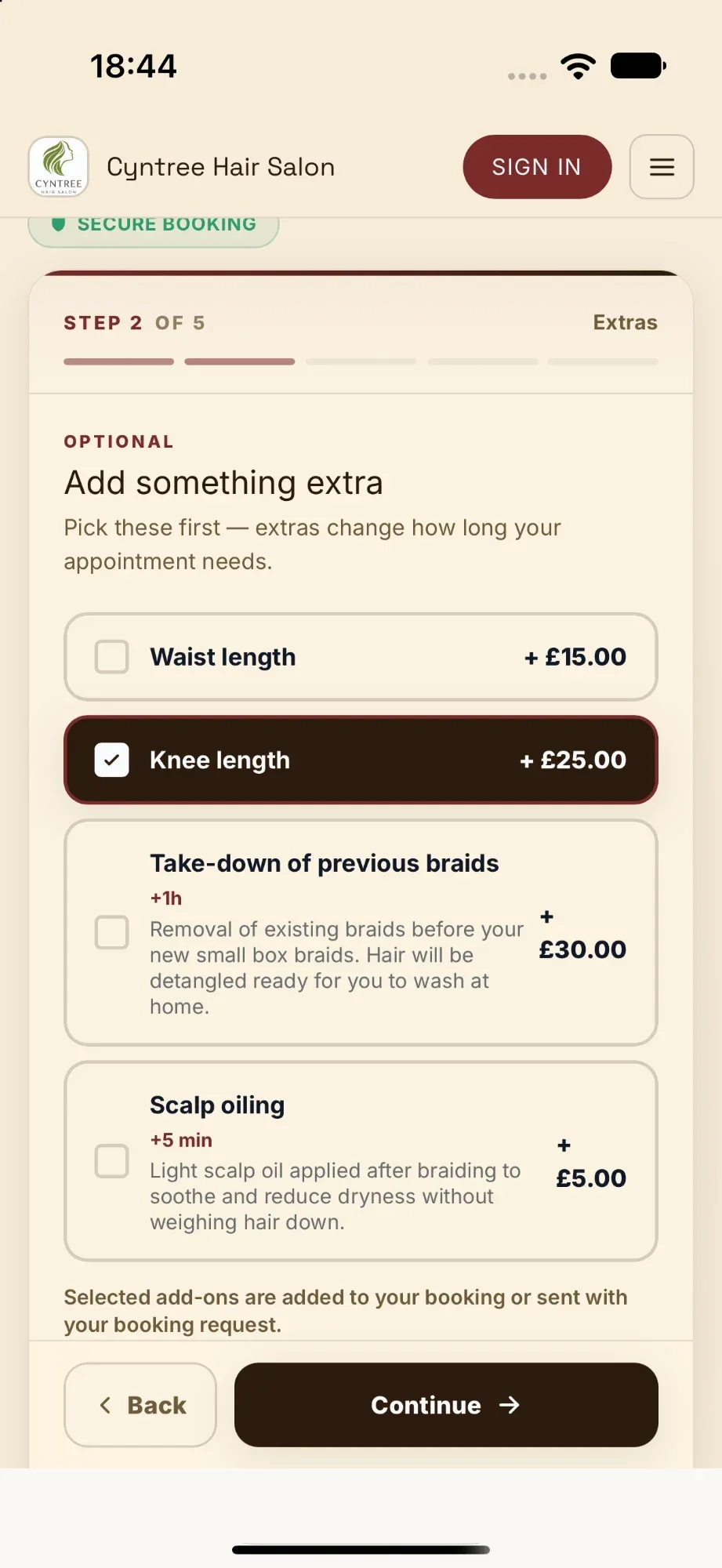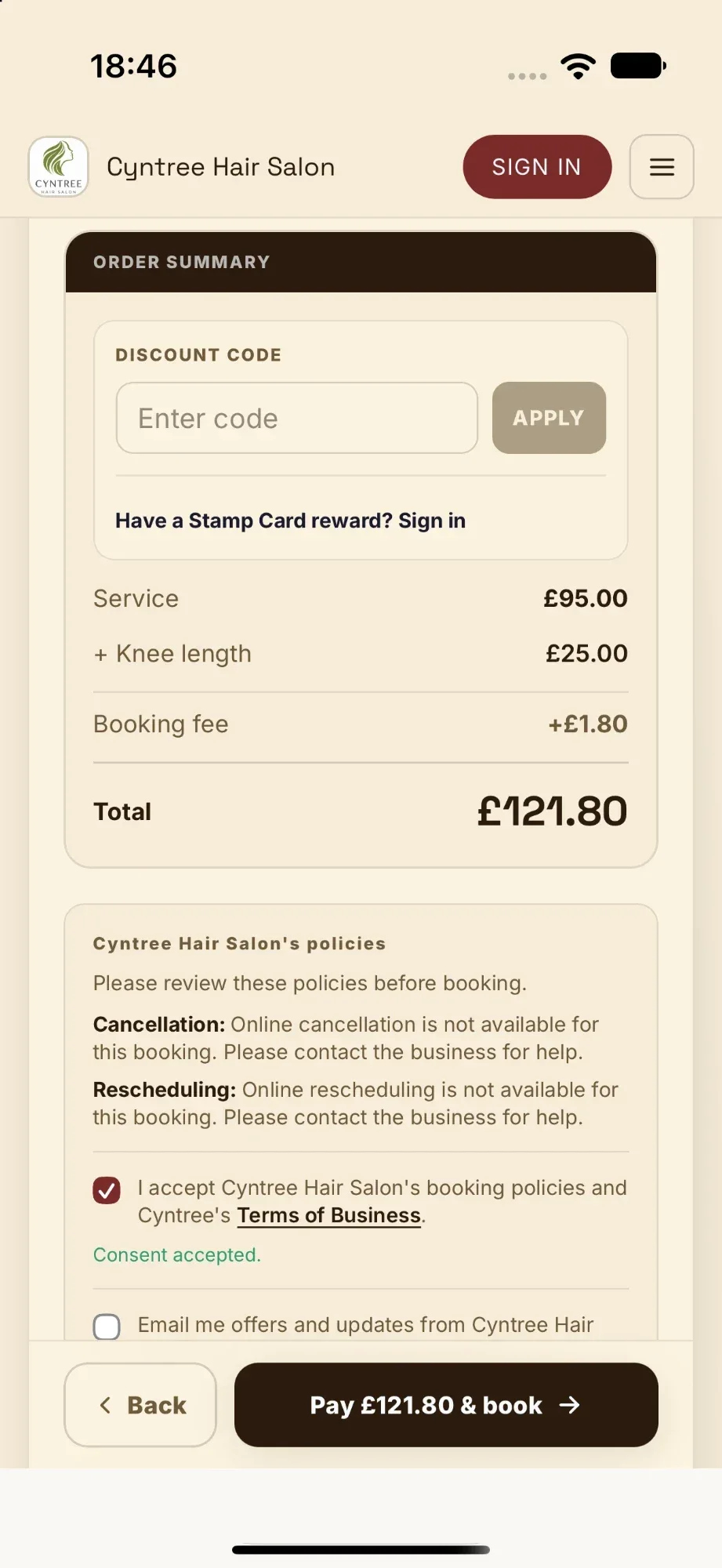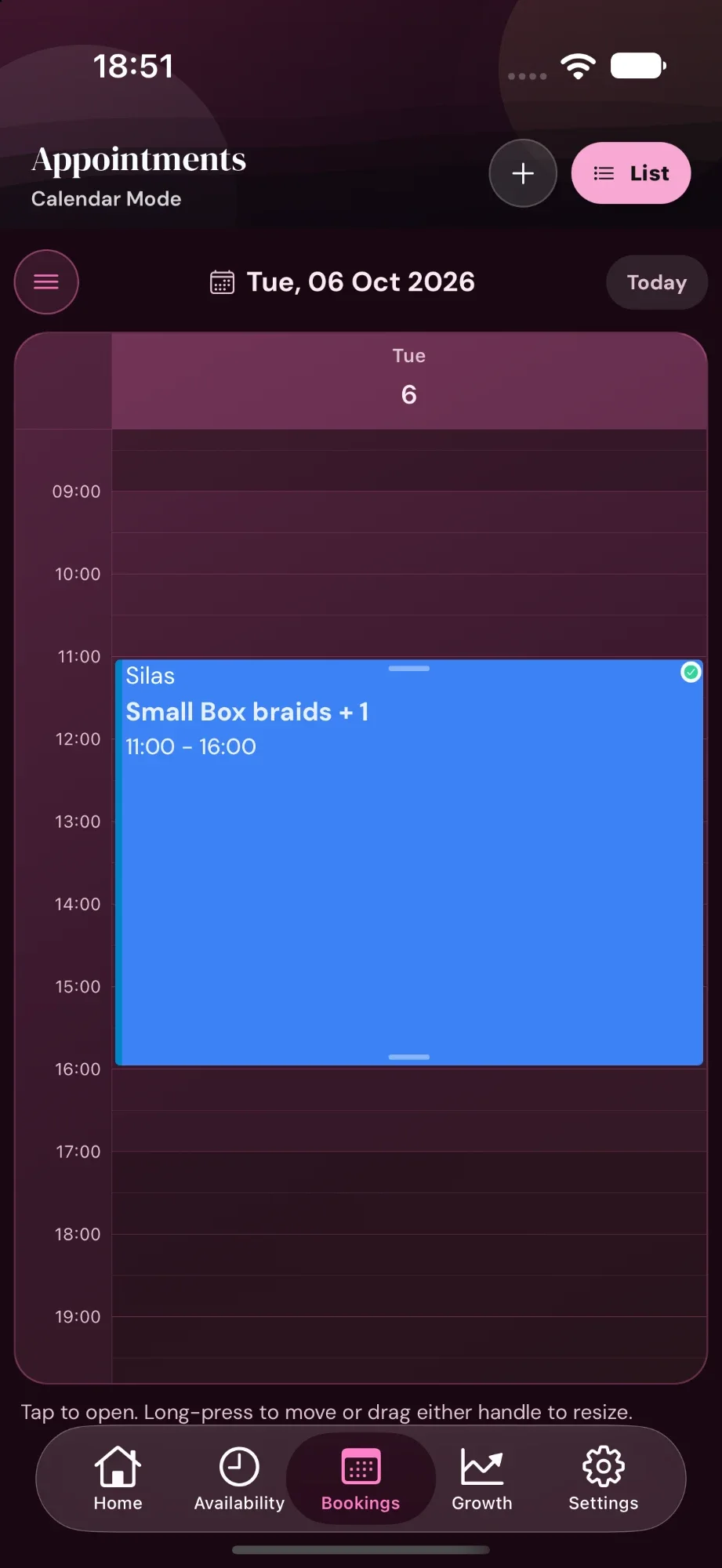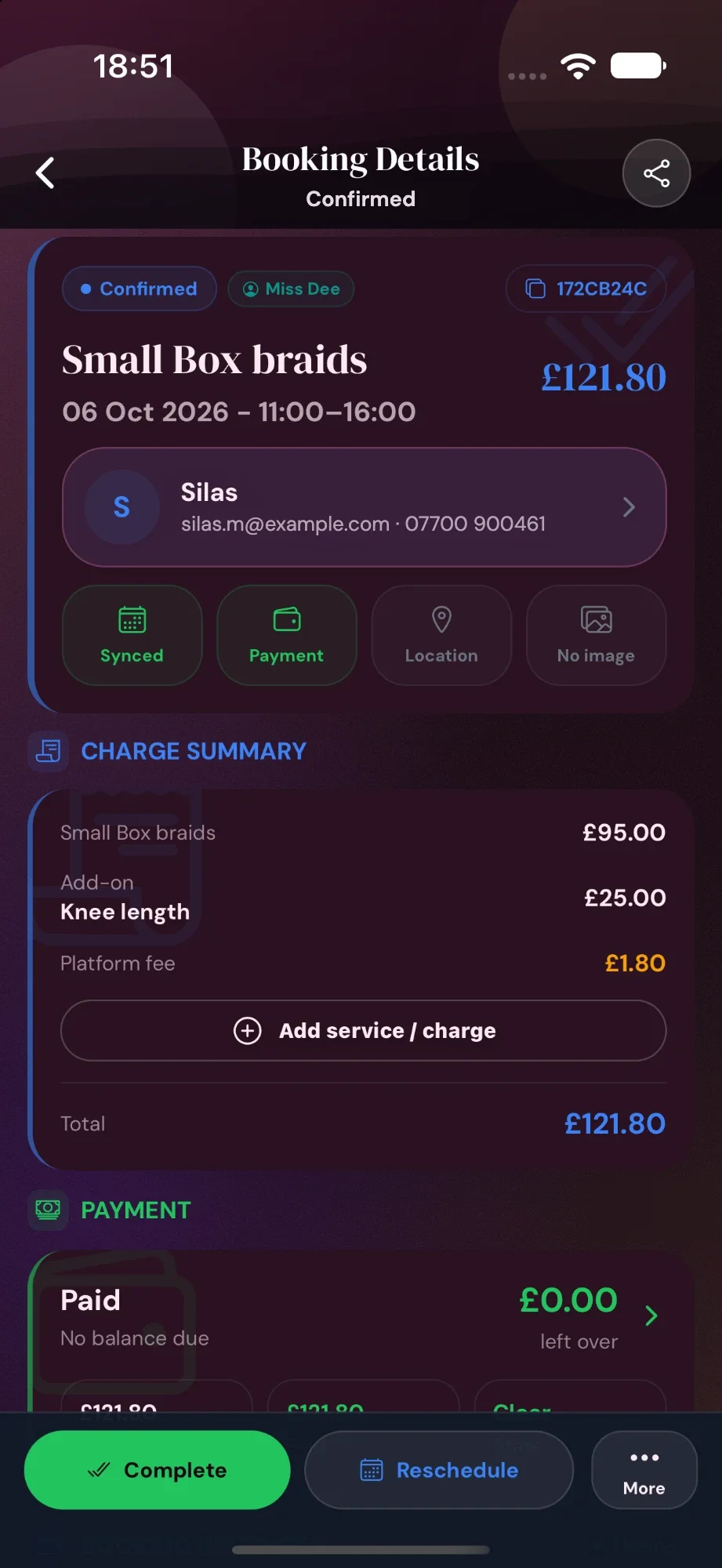
Create the service once
Set the price, duration, deposit, booking rules, add-ons, media, and where the service happens from one clean editor.
Service ready to bookAvailable on iOS & Android
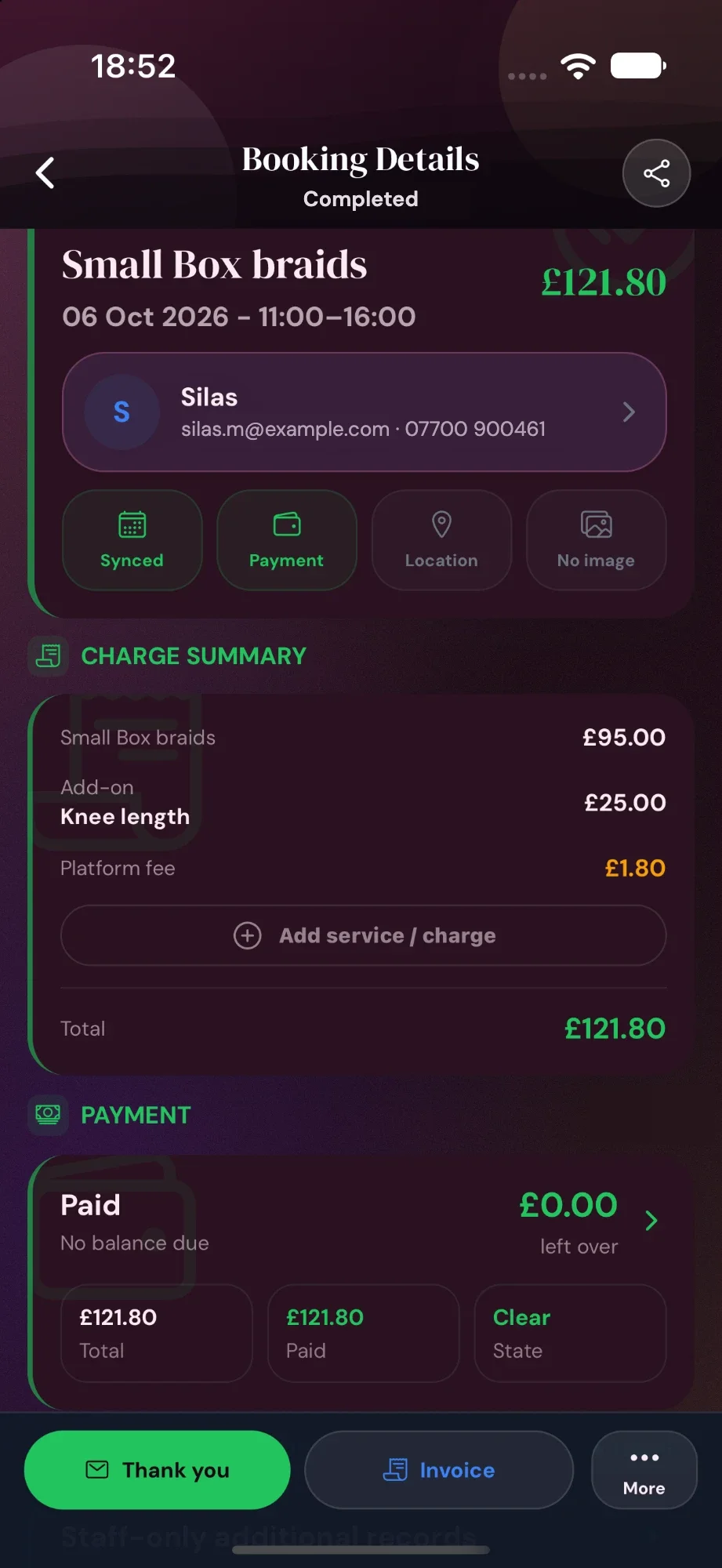
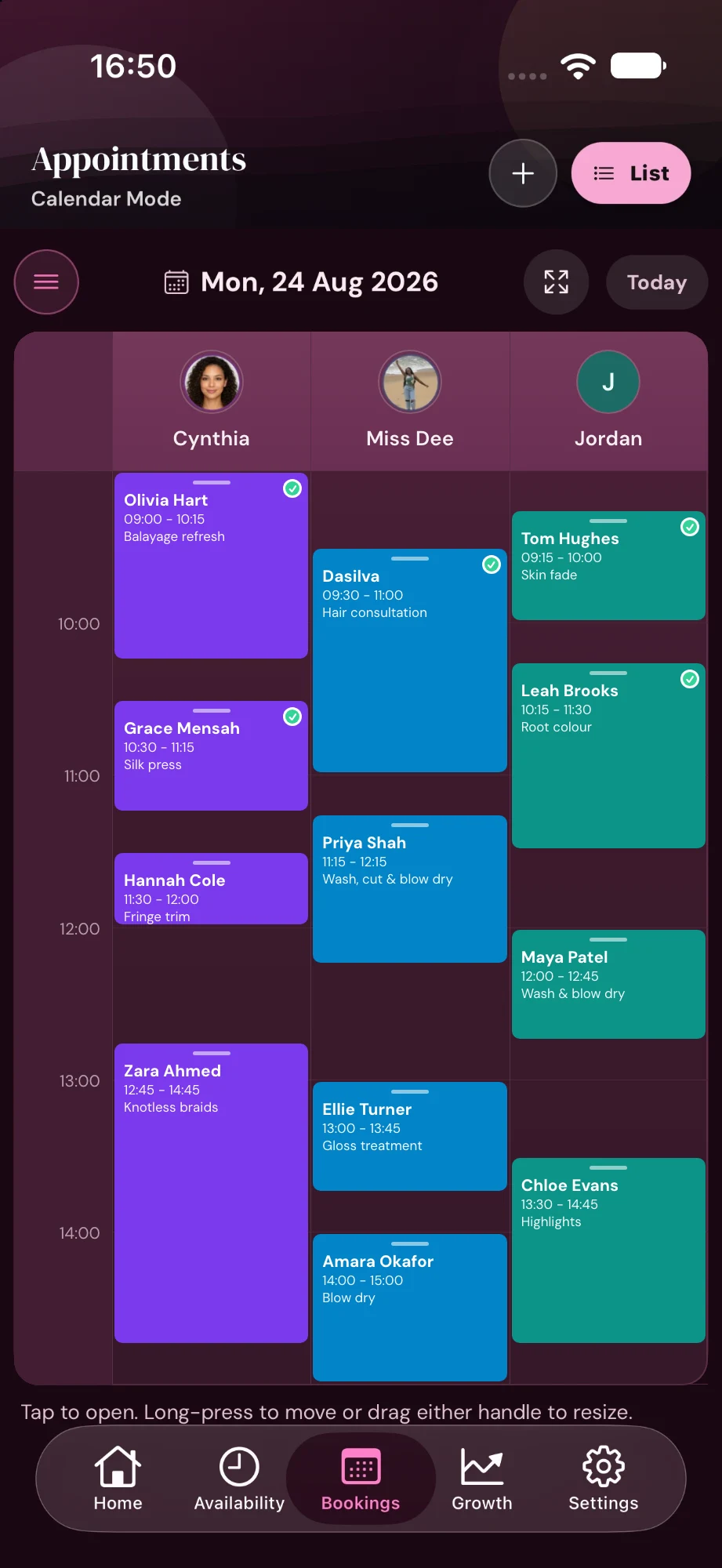
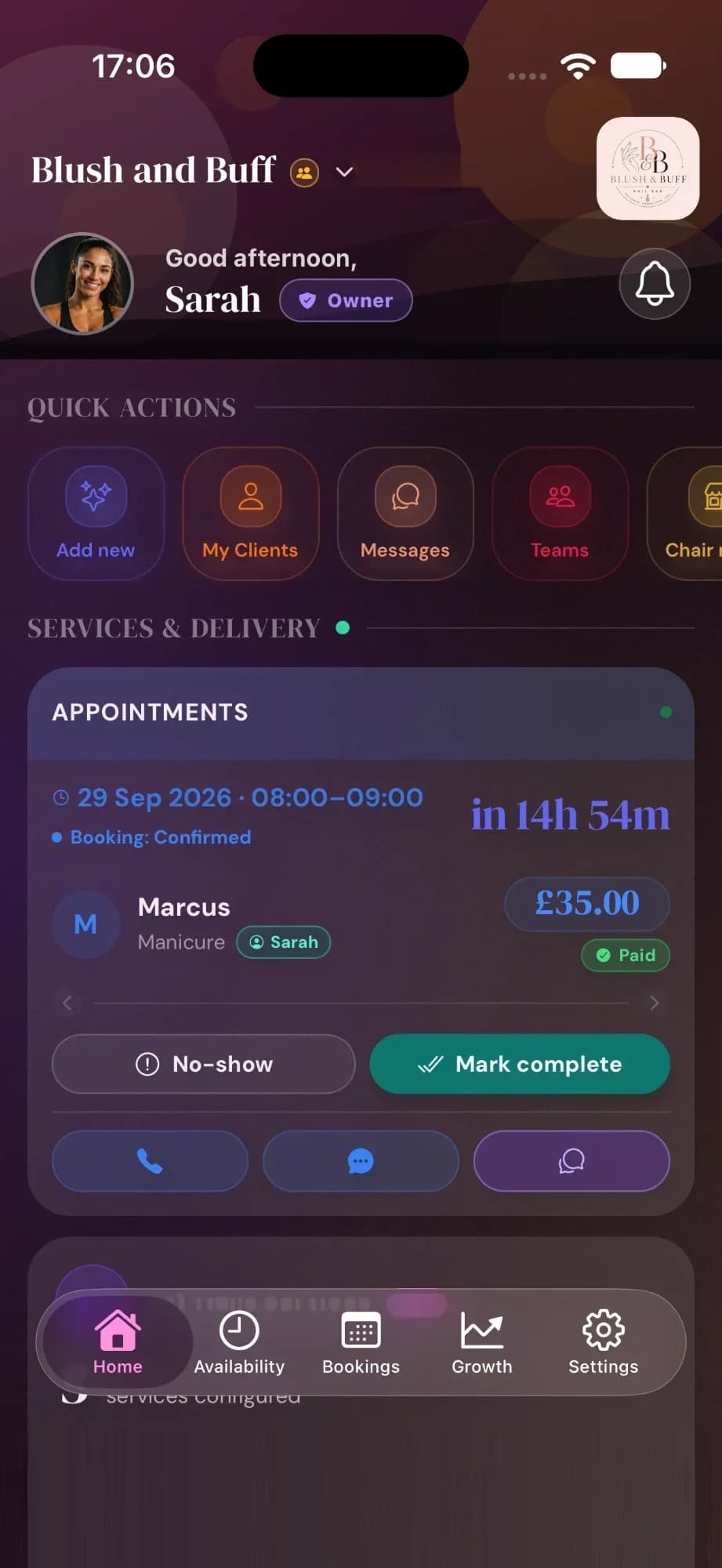
A client books, you get the alert, and the appointment opens with payment, client details, invoice tools, and follow-up ready in one place.
Set the price, duration, deposit, booking rules, add-ons, media, and where the service happens from one clean editor.
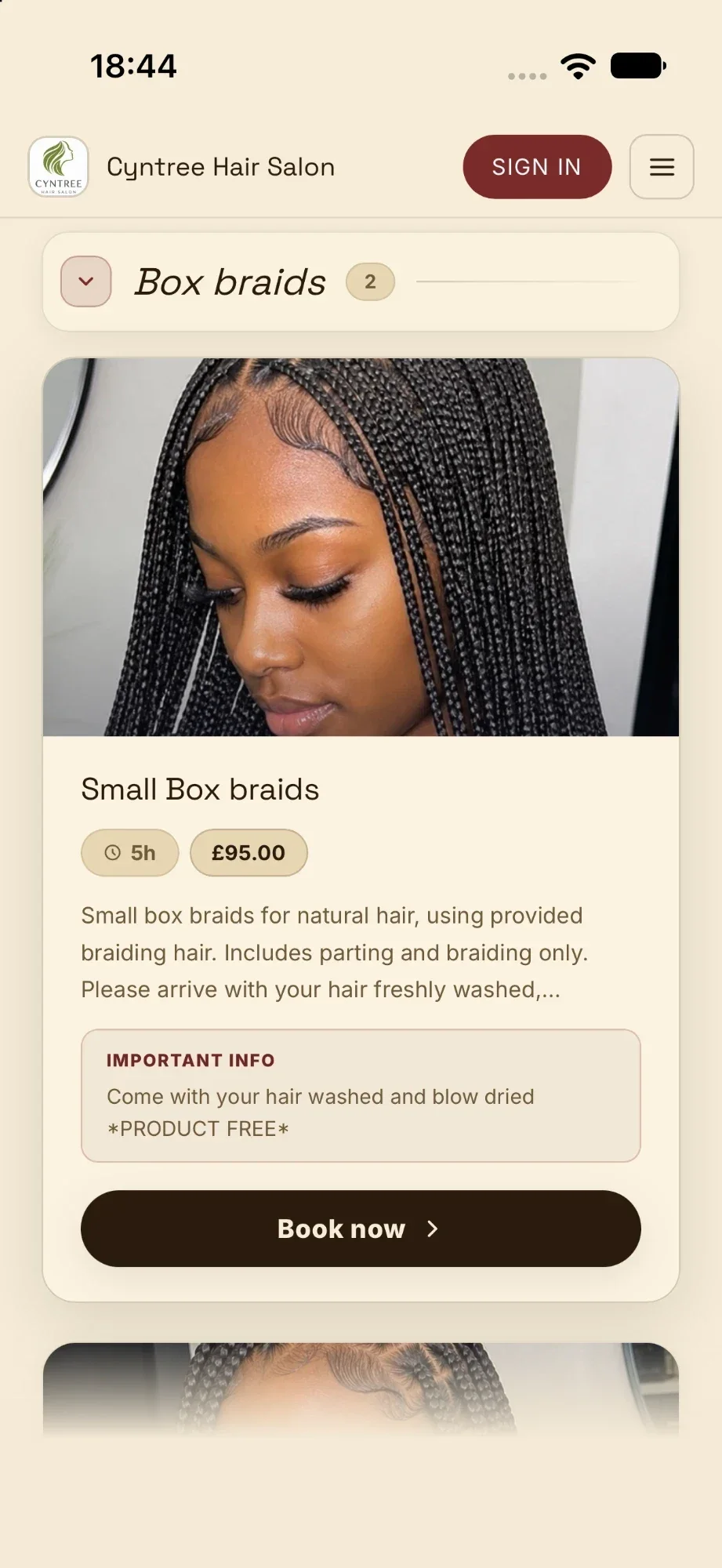
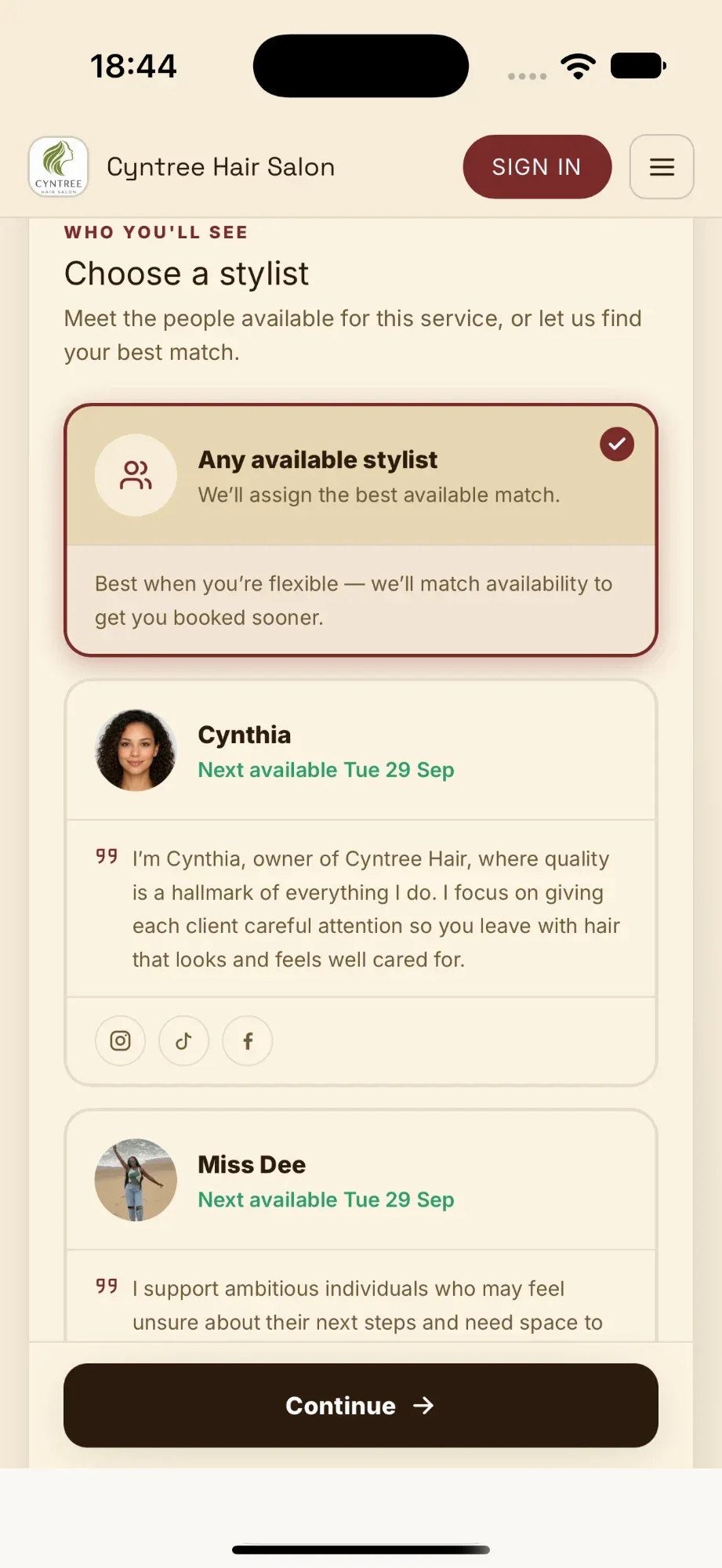
Service ready to bookSend your booking link, QR code, or live page. Clients see your services, colours, availability, and instructions without chasing you.
Booking page liveClients pick a slot, pay a deposit or book with your rules, then reminders, confirmations, reports, and payment requests stay in flow.
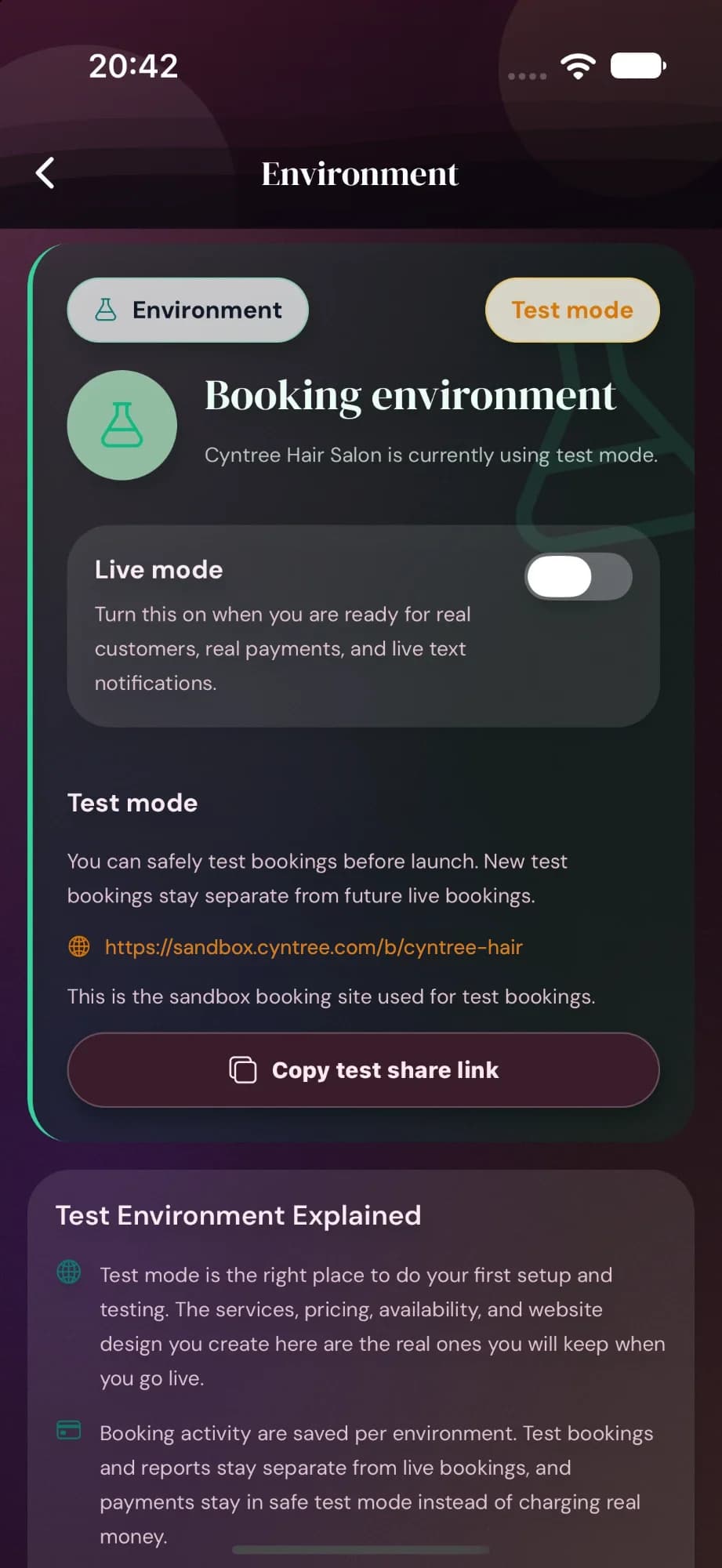
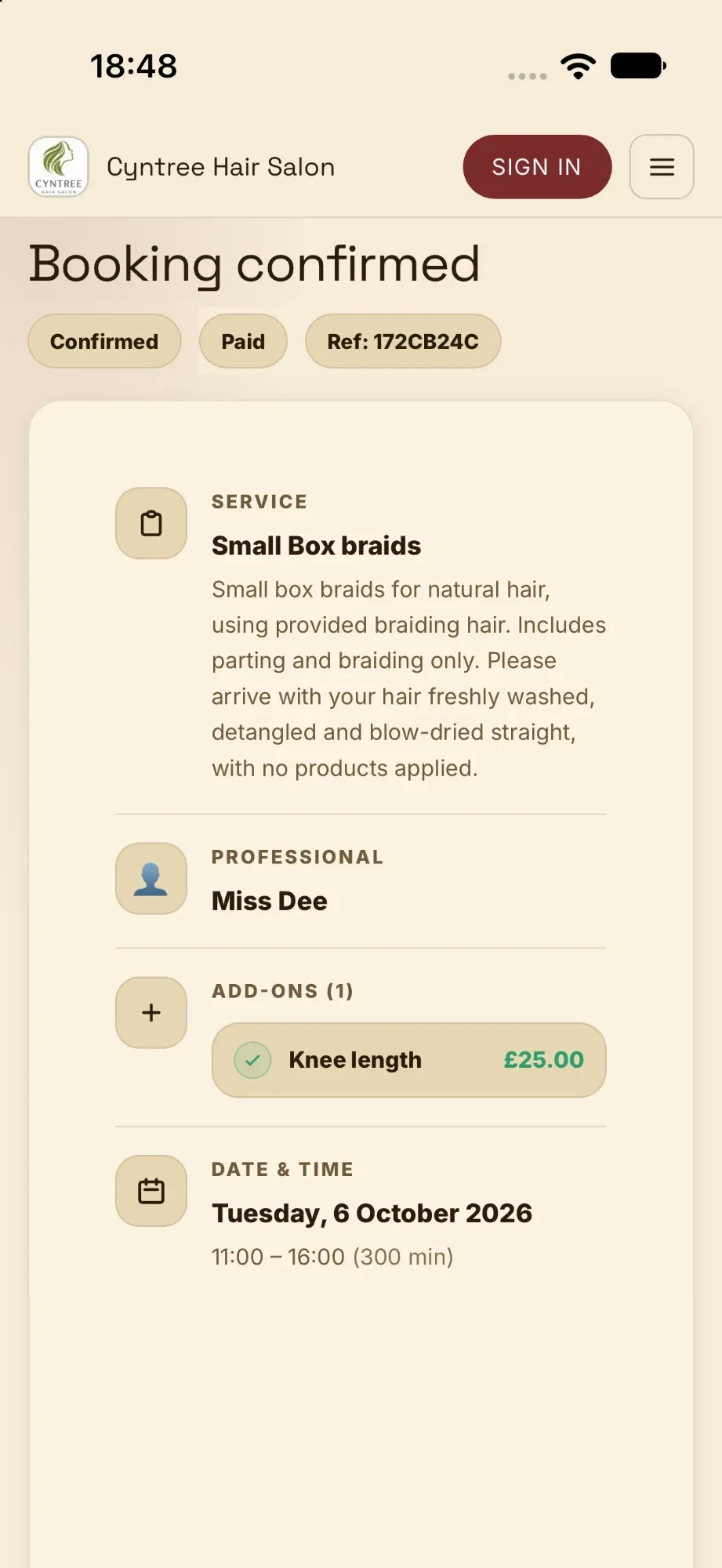
Booking confirmedCyntree gives each business a safe test mode, so you can practise bookings, payments, invoices, refunds, reports, and follow-up actions without charging real money or messaging real customers.


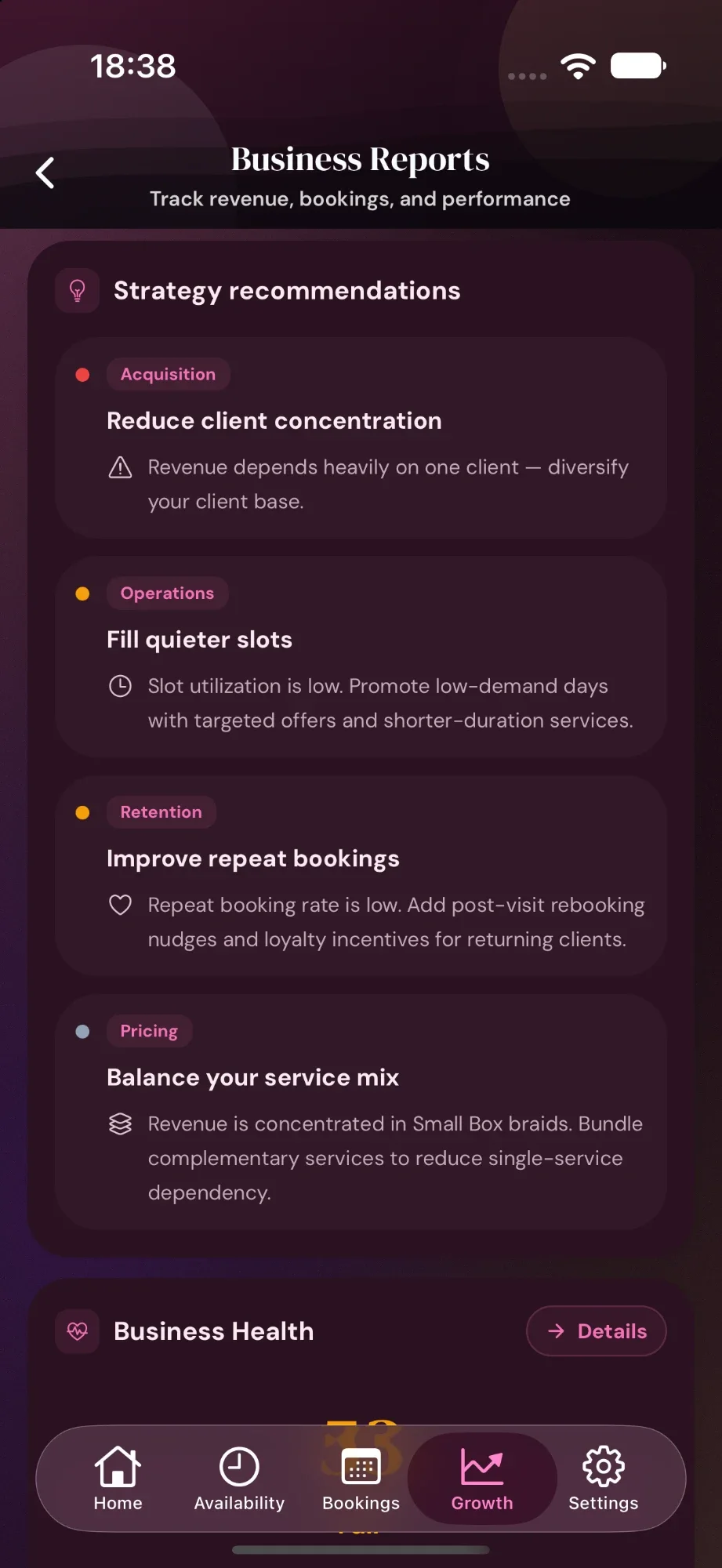
Most booking apps stop the moment a payment lands. Cyntree keeps going — scoring how your business is doing, tracking how clients arrive, and showing exactly where revenue is coming from. Swipe through five views that cover the whole story.
Net revenue against a monthly target, a forecast you can trust, plus client-concentration and collection-health flags. Switch the lens between 30 days, 90 days, or 12 months — the targets and progress bar update with you.
Track every step of the funnel — visits, bookings, completed jobs, fully paid jobs. See visit-to-booking, visit-to-paid, and booking-to-paid rates without setting up a single spreadsheet.
New vs returning customers, repeat-booking rate, and your top spender. Plus revenue broken down by service and source — Stripe vs cash, gel vs lashes — all done for you.
Available vs booked minutes, peak booking hours by day of week, and AI-suggested slots to open based on overflow demand. Page-visit counters tied to the same report.
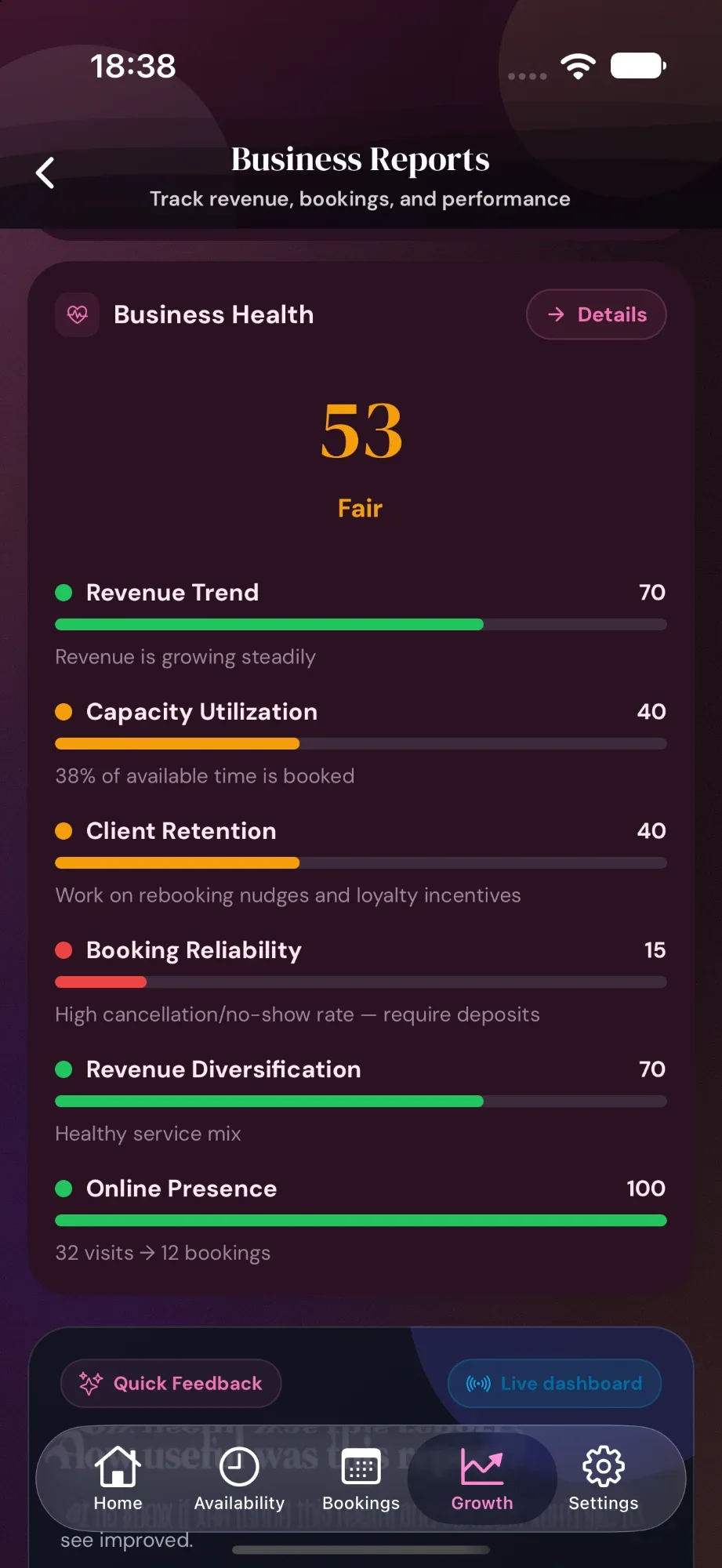
Revenue Trend, Capacity Utilisation, Client Retention, Booking Reliability, Revenue Diversification, Online Presence — each scored 0–100 with a one-line action. Plus a clear retention prompt at the top when repeat bookings are low.
Every Cyntree business gets a default booking website free, in multiple colours. Upgrade to Pro for the visual showcase, or to Premium for the AI builder that generates a whole branded site from a short brief — plus the template builder that turns your existing Canva pages into bookable websites.
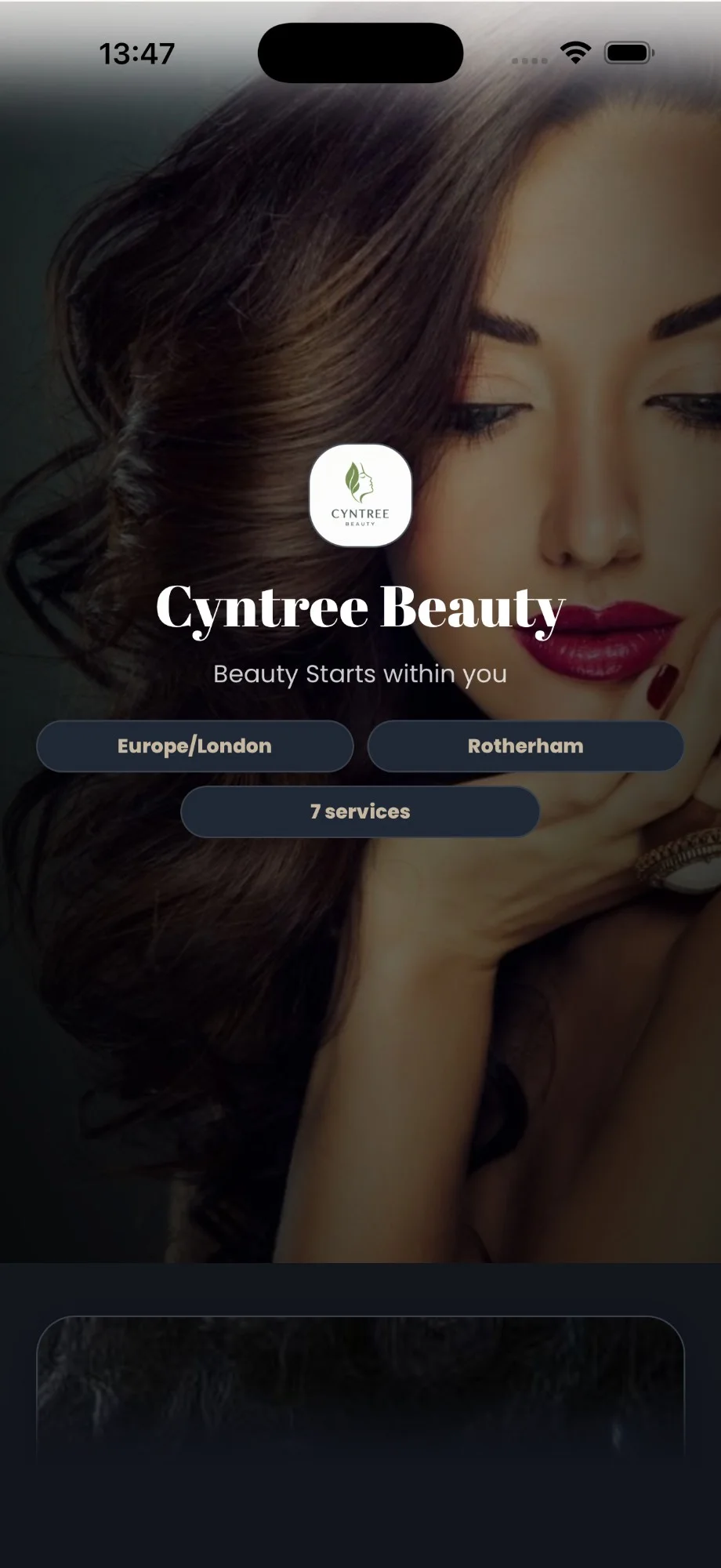
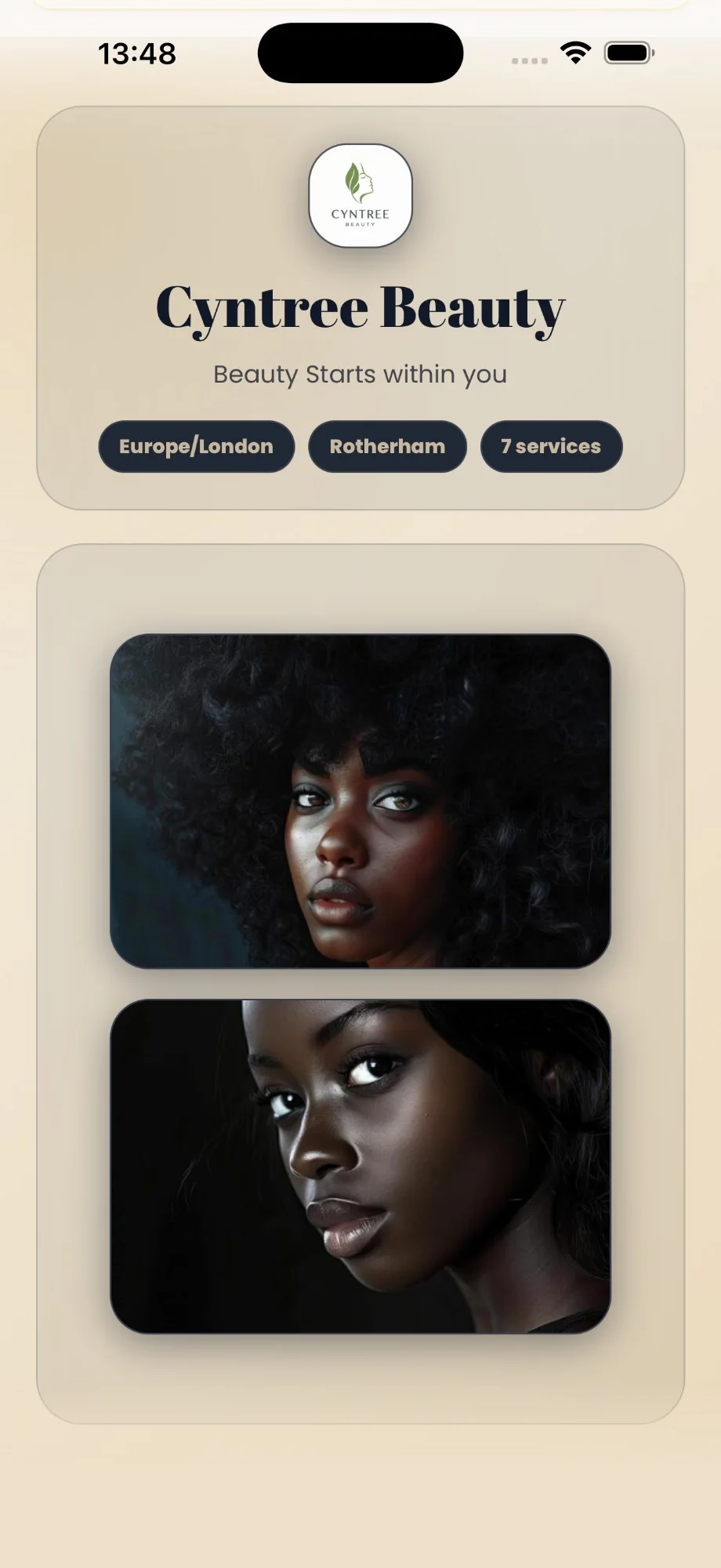
Your logo, business name, tagline, and a single bold image. The default booking site every Cyntree business gets the moment they sign up.
Service categories with counts, address, and opening hours — clients can find everything they need without scrolling forever.
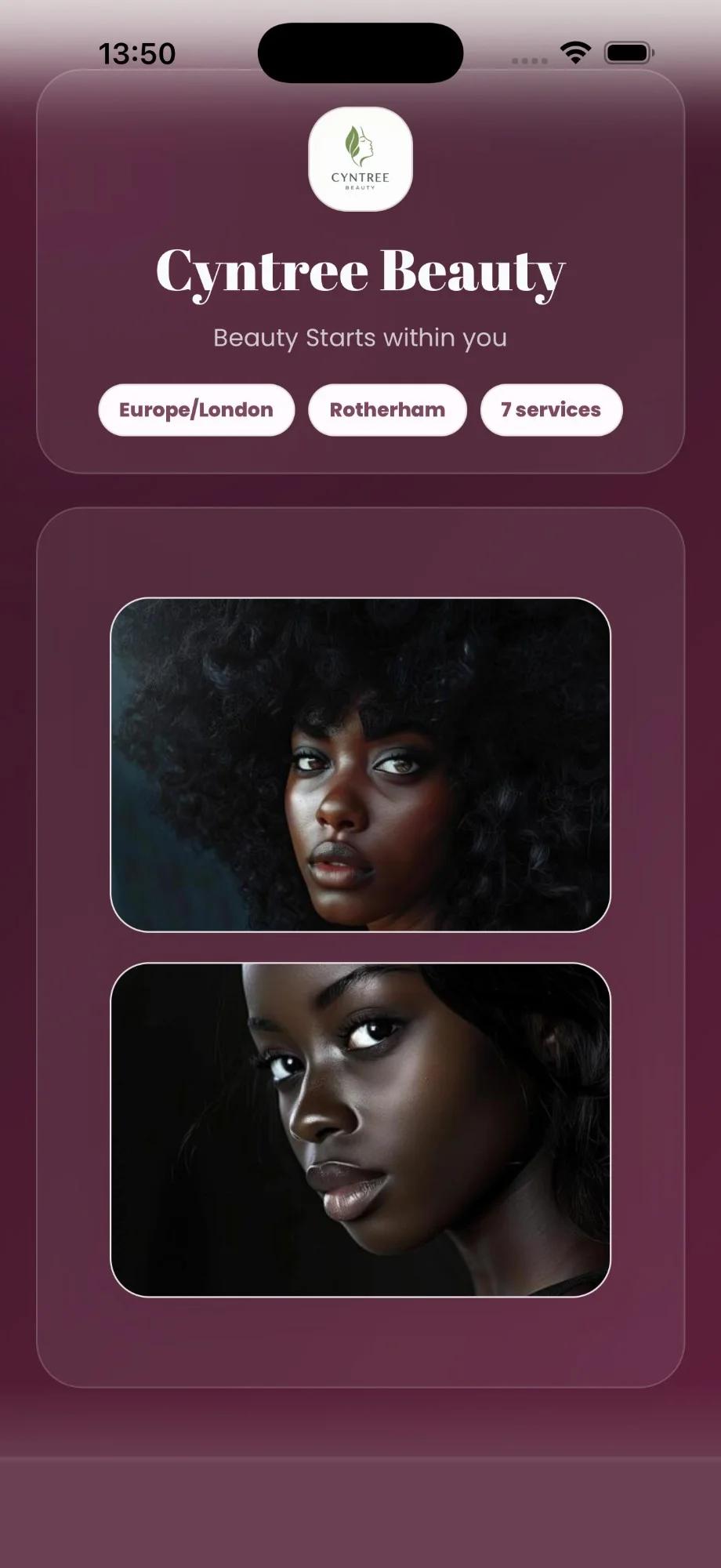
Pick a palette — magenta, dark, rose — without touching a colour picker. The default template adapts to your brand.
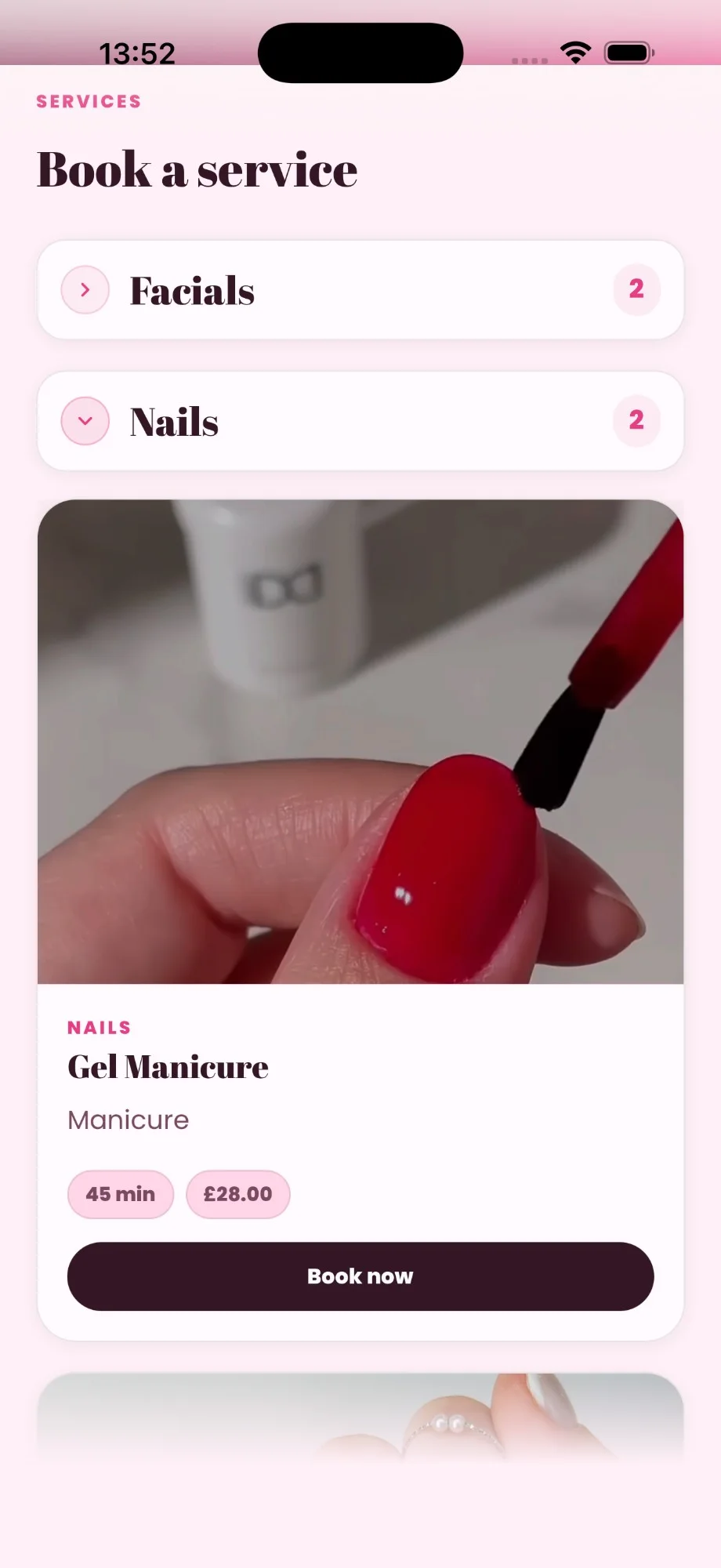
Same template, soft rose palette — with the services accordion open and a featured service preview (with video) right on the home page.
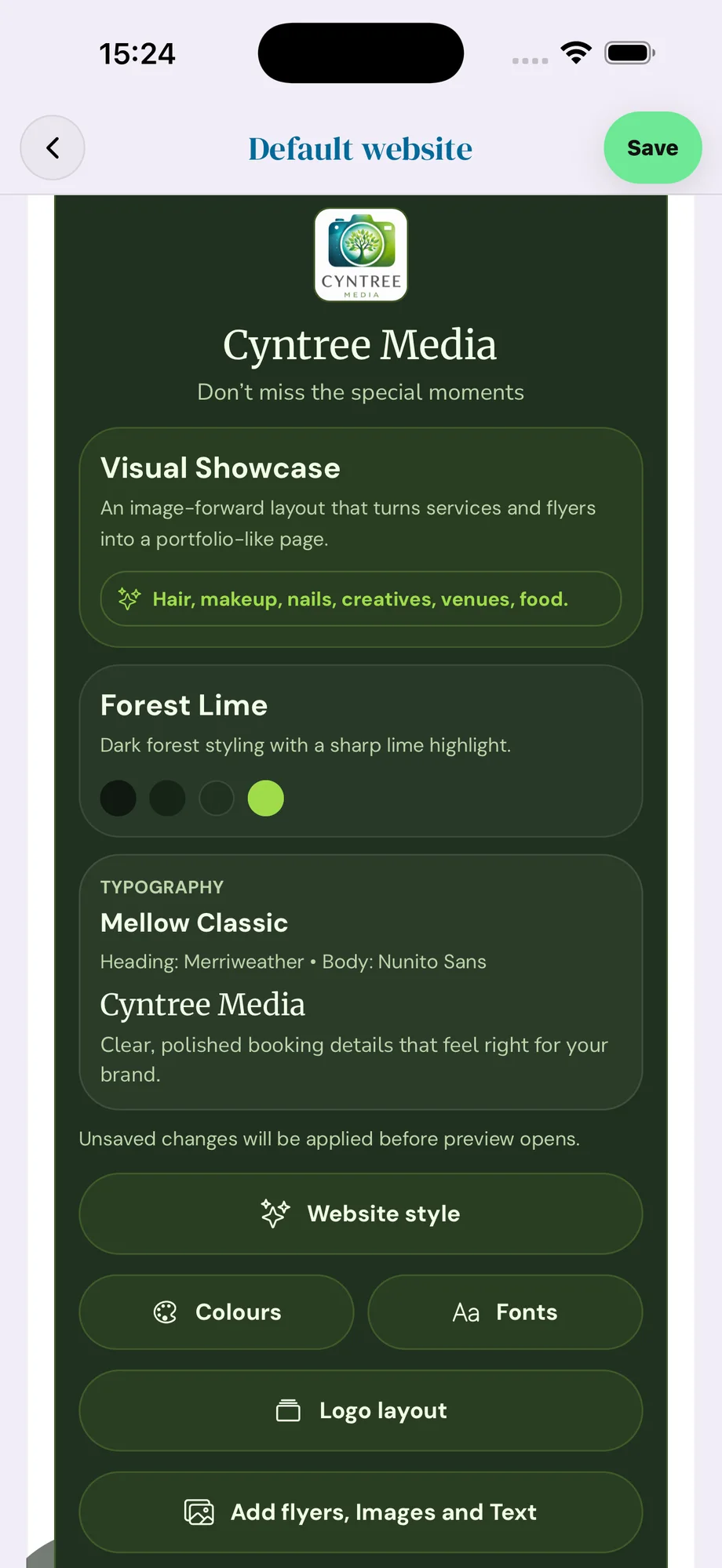
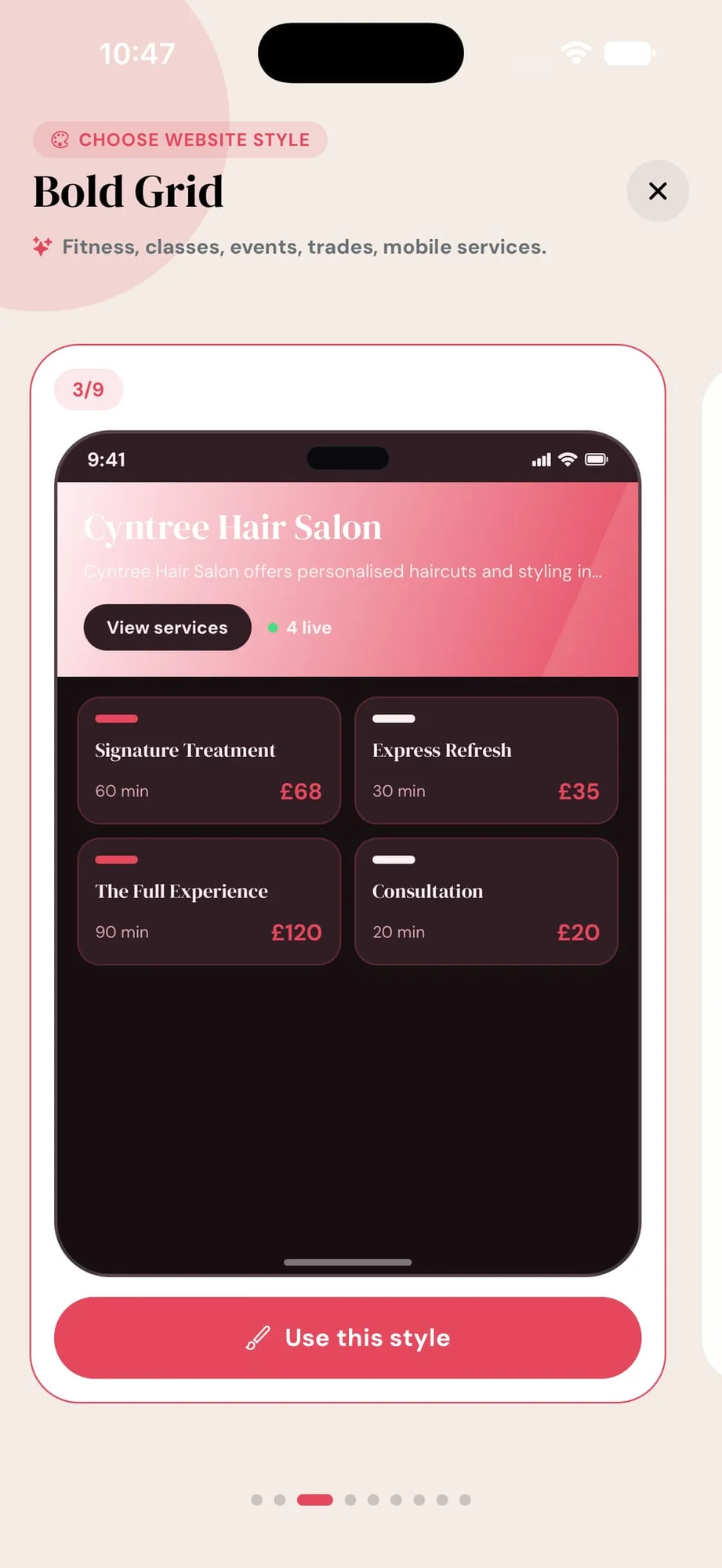
Switch the layout style, colour palette, and typography from inside the app. Every change previews before you publish — no designer needed.
Editorial, Bold Grid, Visual Showcase, Minimal Pro, Luxury Split — each built for a different kind of service business. Colours, fonts, and flyers carry across.
Premium template that puts your portfolio front and centre — full-bleed image cards stacked above the services list. For businesses where the work sells itself.
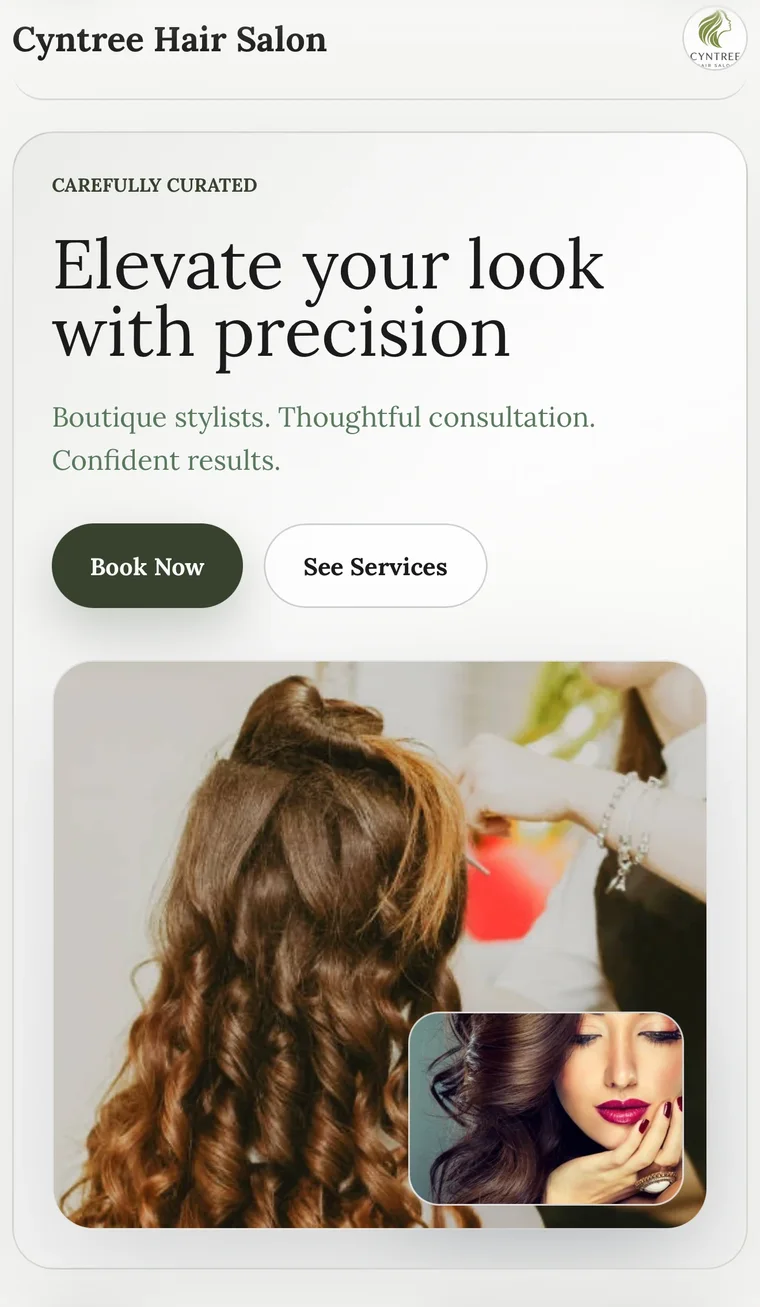
Tell the AI you run a precision hair salon. It builds a cream-and-ink site with “Elevate your look with precision”, a featured cut shot, and the booking flow already wired.
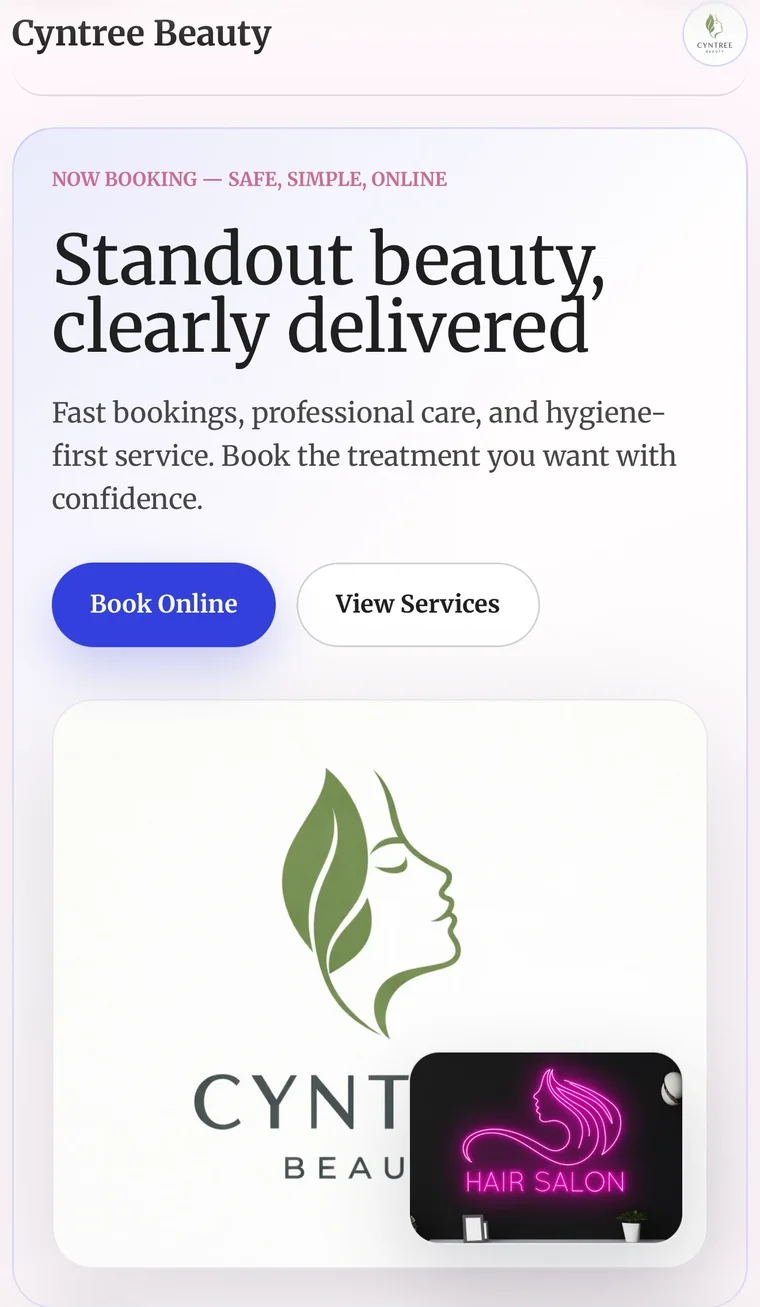
Same builder, totally different mood. Soft pink, the brand mark front and centre, “Standout beauty, clearly delivered” — written, palette-picked, and laid out by the AI.
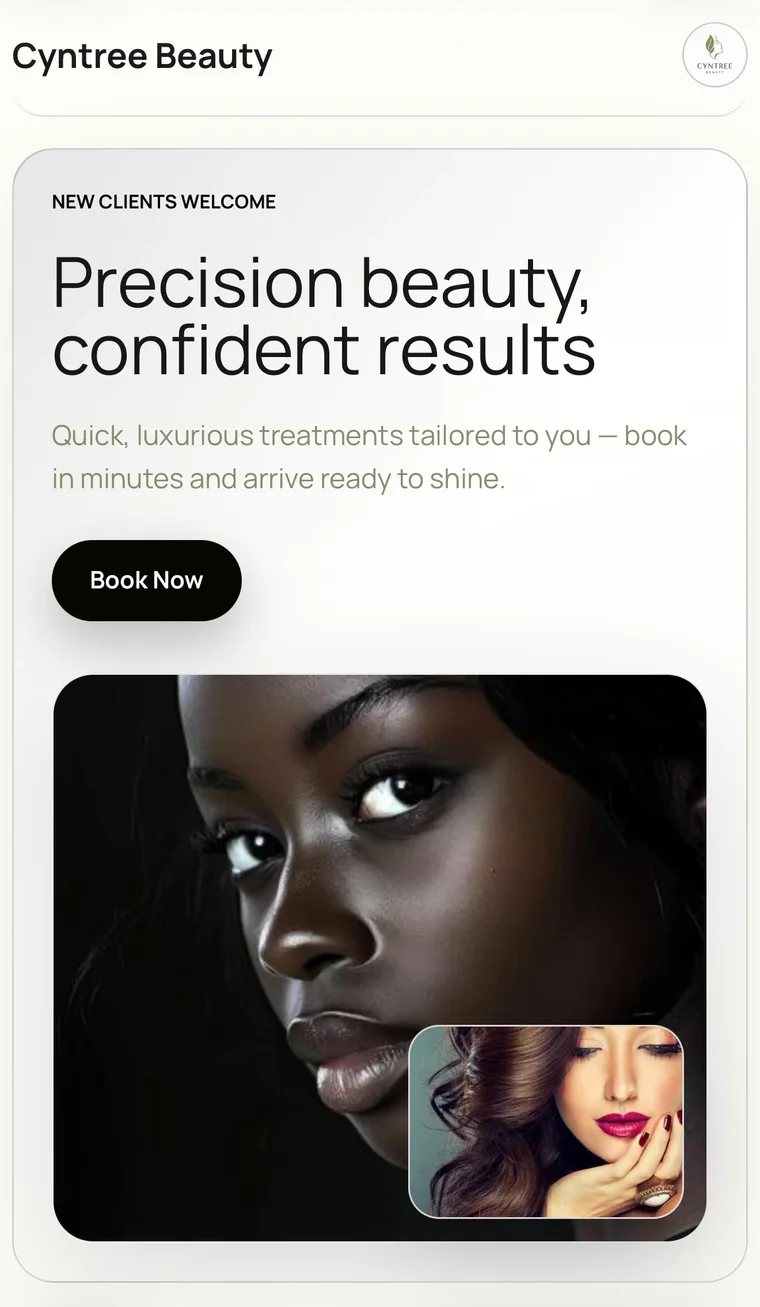
Clean white, weighty serif headlines, and a real portrait crop. The AI matches mood to copy — “Precision beauty, confident results” lands with the visual to match.
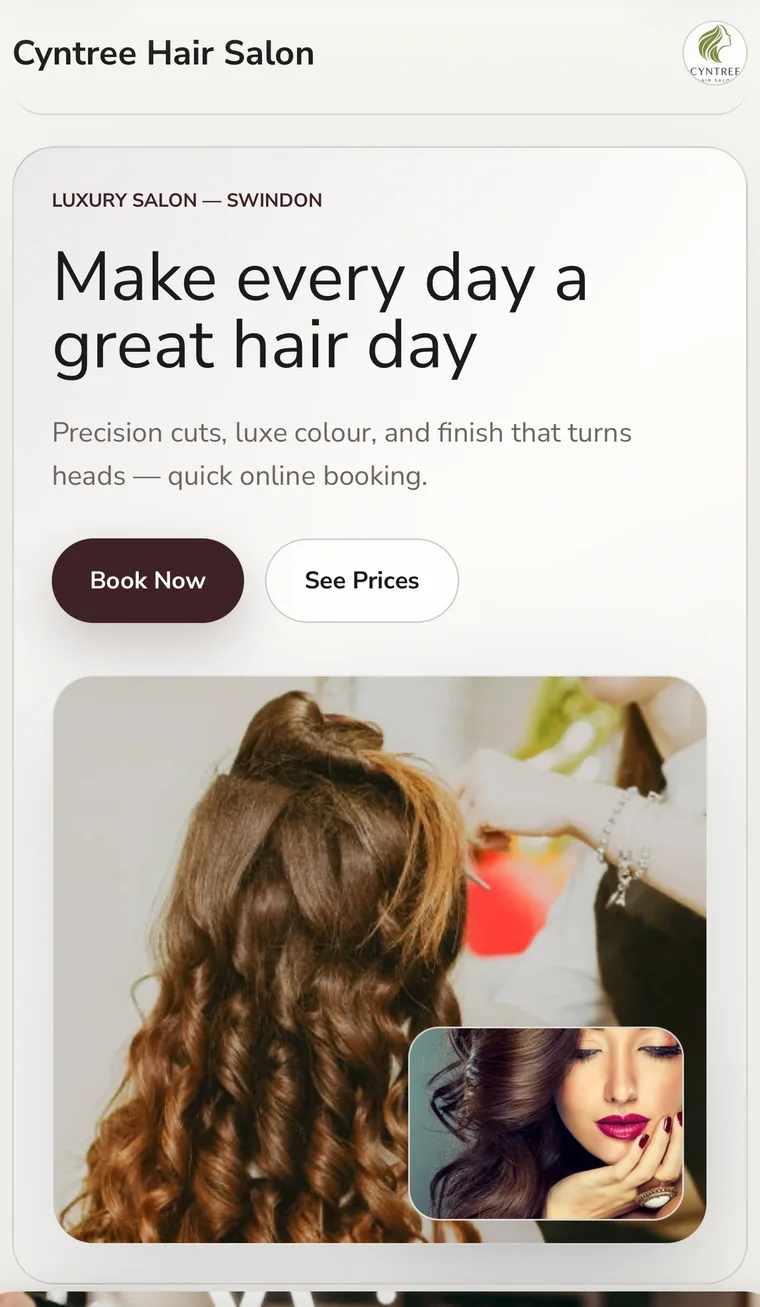
Tell the AI “luxury hair, Swindon, daily.” It returns a maroon-on-cream layout with “Make every day a great hair day” and a hair-styling image baked into the hero.
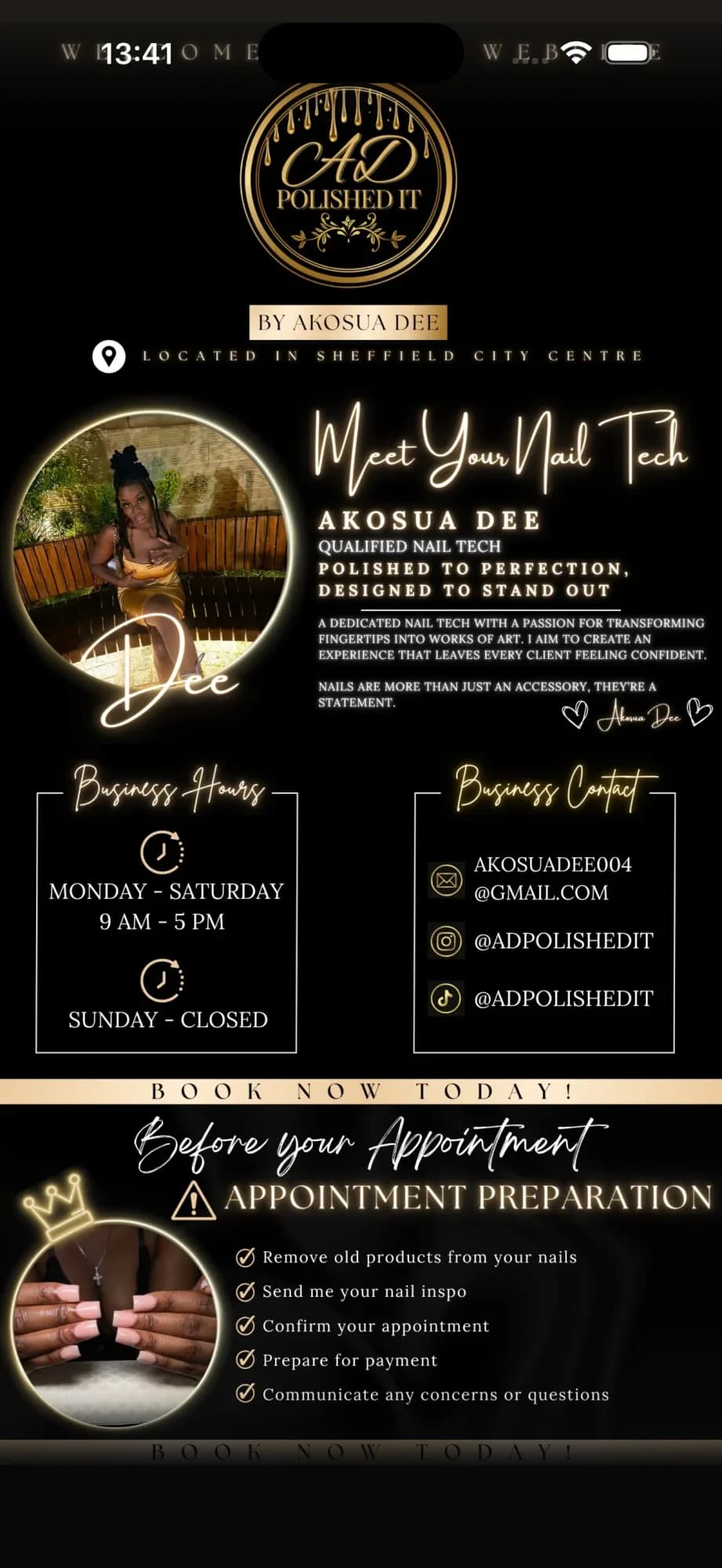
Akosua Dee uploaded her existing Canva brand pages — the result is a fully-themed nail-tech booking site with her photo, hours, contact, and an appointment-prep flow.
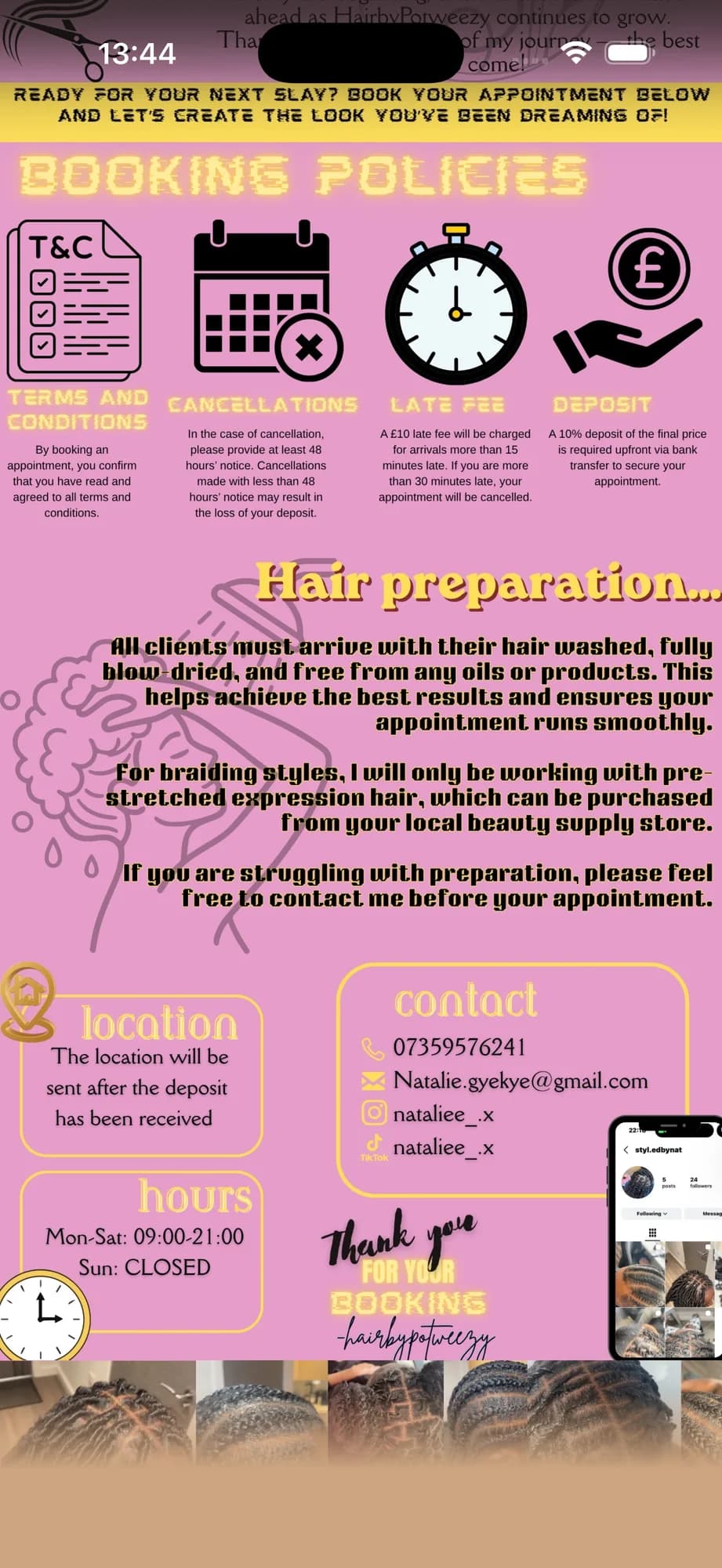
Natalie uploaded her booking policies pages — terms, cancellations, late fees, deposits, hair-prep instructions — and made them bookable. No web designer required.
No fake stars, no “trusted by 10,000 businesses” fluff. Here is what you can actually verify about Cyntree today.
Payments
Card payments, deposits, refunds, and payouts are handled by Stripe — the same processor trusted by Amazon, Shopify, and Uber.
Learn about Stripe →Data protection
UK & EU data protection law shaped how we store client data, handle deletion, and protect your business's information.
Read our privacy policy →No lock-in
No minimum term, no exit fees. If you ever leave, your client list and booking history come with you — we won't hold your data hostage.
See plan terms →Free plan
The Starter plan is genuinely free: no credit card at sign-up, no trial countdown, no automatic upgrade. Use it as long as you need.
Compare plans →Support
Support requests are answered by the team that built the product — typically within one UK business day.
Contact support →Transparency
Subscription costs and per-booking transaction fees are listed publicly — no hidden percentages buried in fine print.
View transaction fees →We’re confident enough in what we’ve built that we don’t need dark patterns to keep you. No artificial urgency, no manipulative upsells, no tricks that make leaving feel hard. We’d rather you stay because Cyntree genuinely works for your business.
See everything that’s includedCustomer testimonials are intentionally not shown until we have real businesses who consent to be quoted. We’ll earn this section, not write it.
Join solo professionals using Cyntree to look professional, get paid on time, and spend less time on admin.
Available on iOS & Android