
Now available with Cyntree
Tap to Pay on iPhone
Accept contactless payments on your iPhone.
Tap to Pay on iPhone is now available with Cyntree. That means anyone can accept all types of in-person, contactless payments — from physical debit and credit cards to Apple Pay and other digital wallets. It’s easy and secure, and no additional hardware is needed. All you need is iPhone.
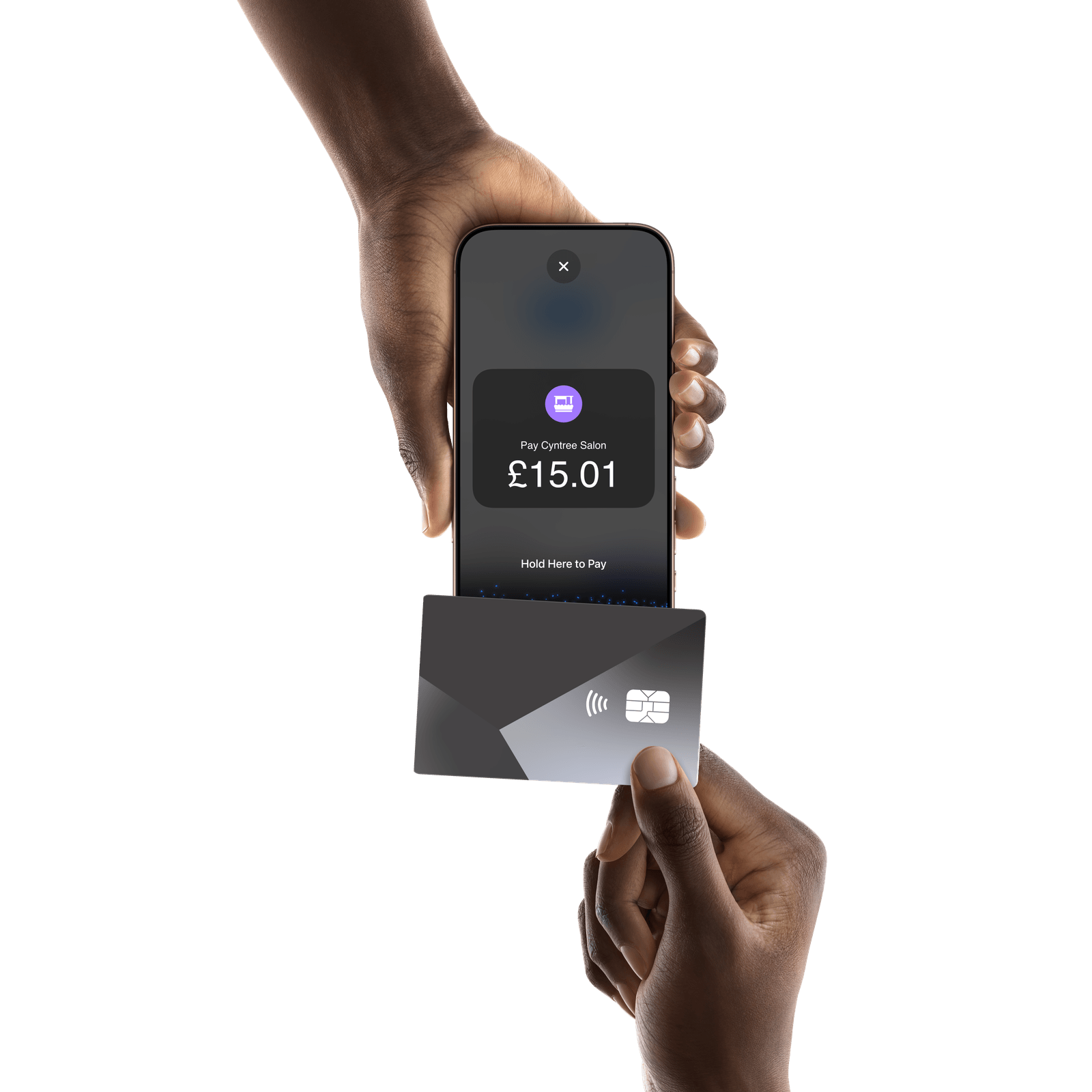
How it works.
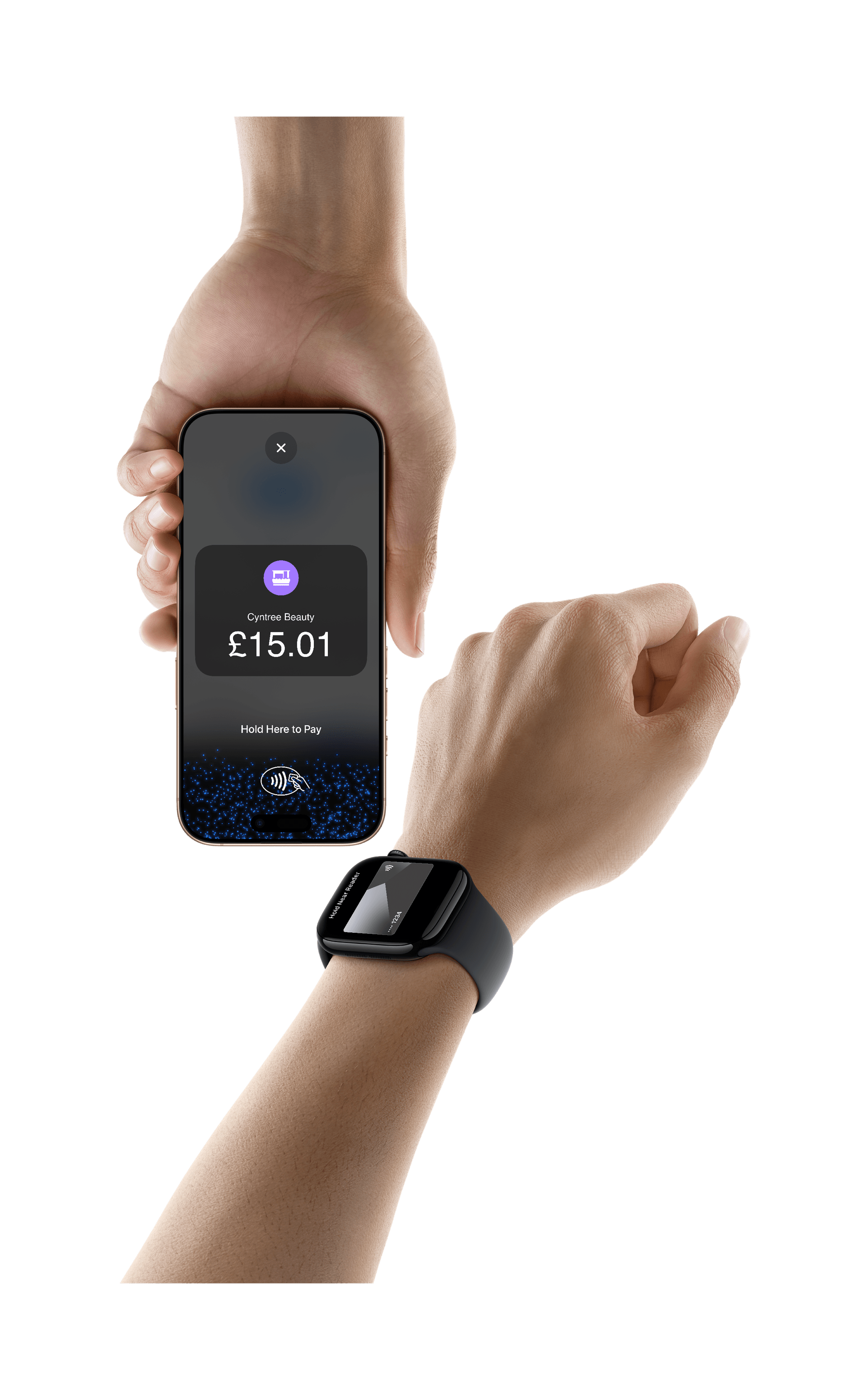
Tap to Pay on iPhone
Expand where you do business.
With Tap to Pay on iPhone, anyone can do business in more places simply by accepting contactless payments on iPhone. The checkout experience makes it easy to reach new customers, take payments on the go, and explore new ways of working to help reduce queues. All you need is iPhone and the Cyntree app.
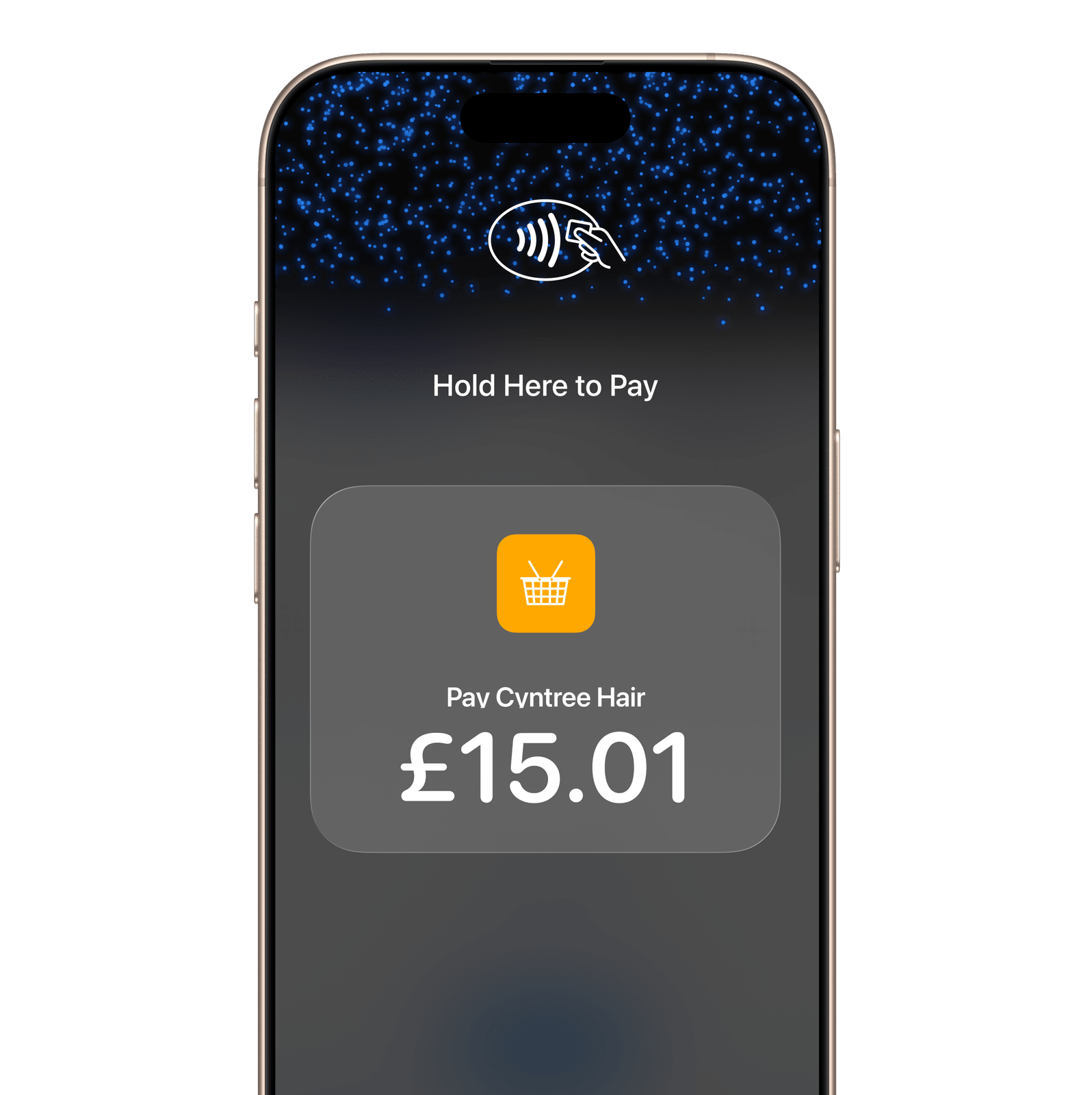
Tap to Pay on iPhone
No additional hardware.
There’s no need to invest in and manage card readers and terminals, so Tap to Pay on iPhone makes it simple to start a new business or expand a current one. With just an iPhone and the Cyntree app, anyone can accept contactless payments. It’s that simple.
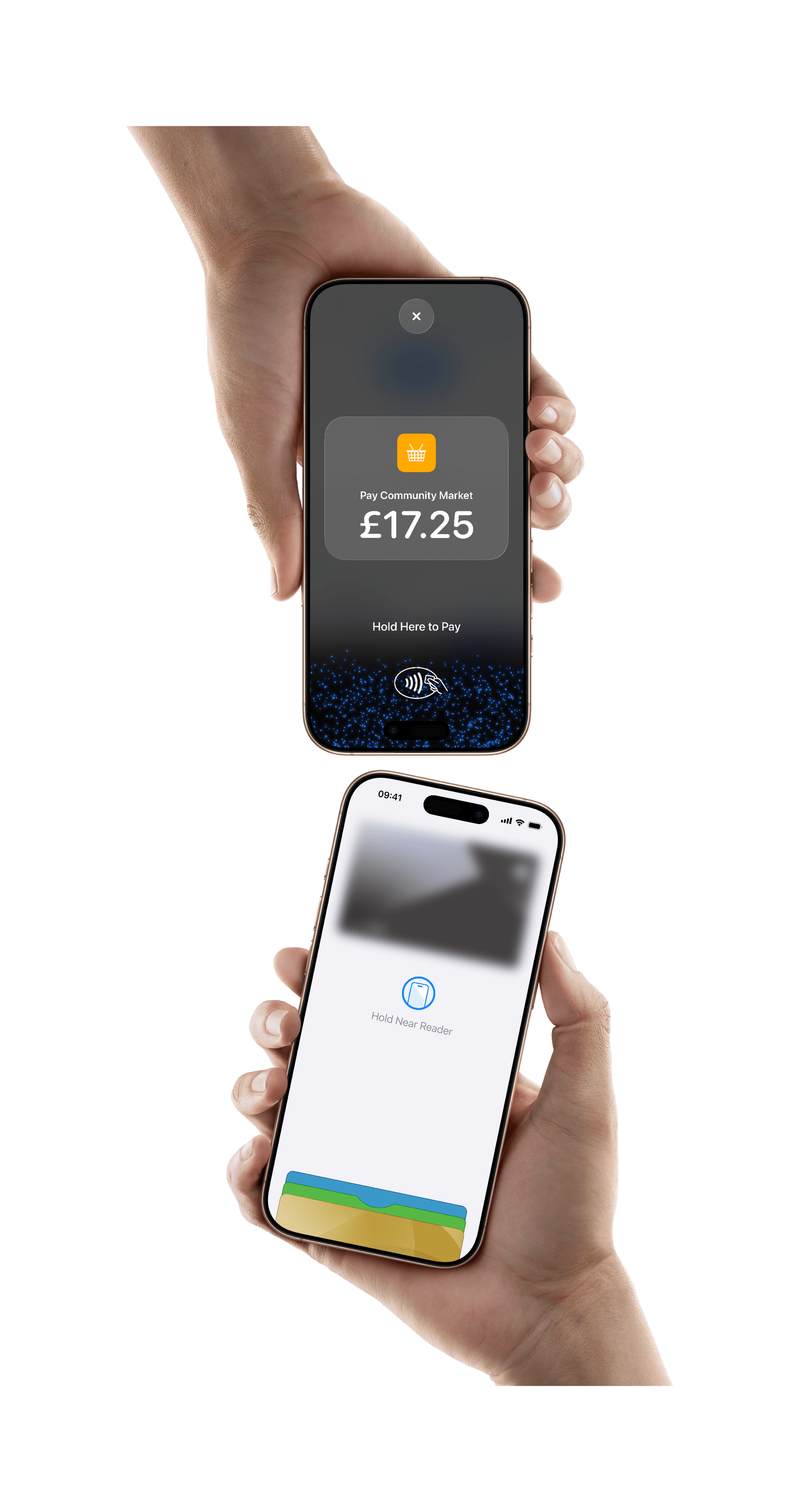
Tap to Pay on iPhone
Privacy and security built in.
Tap to Pay on iPhone uses the built-in security and privacy features of iPhone. When a payment is processed, Apple doesn’t store card numbers or PIN information on Apple servers - helping to protect your business and customer data. So merchants and customers can rest assured that their data stays theirs.
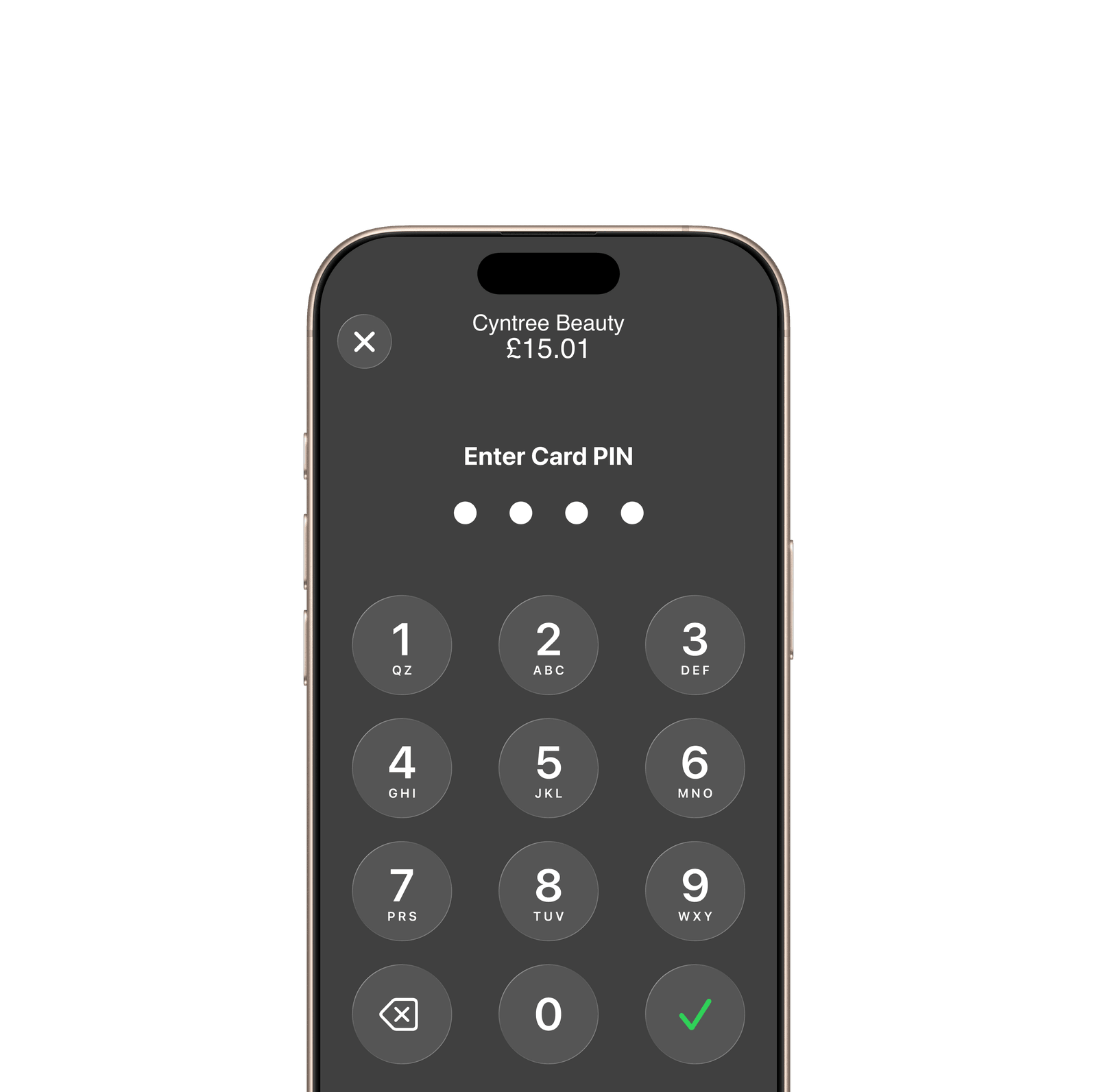
Tap to Pay on iPhone
PIN transaction protection.
Transactions that require PIN entry will automatically prompt a PIN entry screen when using Tap to Pay on iPhone. During a transaction, Tap to Pay on iPhone is designed to prevent all photo, video, screenshot and screen-recording features on the merchant’s iPhone from capturing a customer’s card number or PIN information.
It’s easy to get started.
Download the Cyntree app.
Complete sign-up information.
Accept in-person, contactless payments, directly on iPhone.
Get started with Tap to Pay on iPhone and Cyntree today.
Legal
Tap to Pay on iPhone Requirements: Tap to Pay on iPhone requires a supported payment app and the latest version of iOS. Update to the latest version by going to Settings > General > Software Update. Tap Download and Install. Some contactless cards may not be accepted by your payment app. Transaction limits may apply. The Contactless Symbol is a trademark owned by and used with permission of EMVCo, LLC. Tap to Pay on iPhone is not available in all markets. For Tap to Pay on iPhone countries and regions, see developer.apple.com/tap-to-pay/regions.
Apple Pay: Apple Pay is a service provided by Apple Payments Services LLC, a subsidiary of Apple Inc. Neither Apple Inc. nor Apple Payments Services LLC is a bank. Any card used in Apple Pay is offered by the card issuer.
Tap to Pay on iPhone, iPhone, Apple Pay, Apple Watch and Apple are trademarks of Apple Inc., registered in the U.S. and other countries. Use of these marks is in accordance with Apple’s brand and trademark guidelines.