
For the salon
- Rental income in Reports, kept apart from service revenue
- Overdue rent and open queries surfaced first
- Deposits recorded as taken, topped up, returned or kept
- Access controlled by role, so only the right people see rent
Chair rental
Stations, renters, agreements and rent in one place. Invoices go out on schedule and renters pay by card.
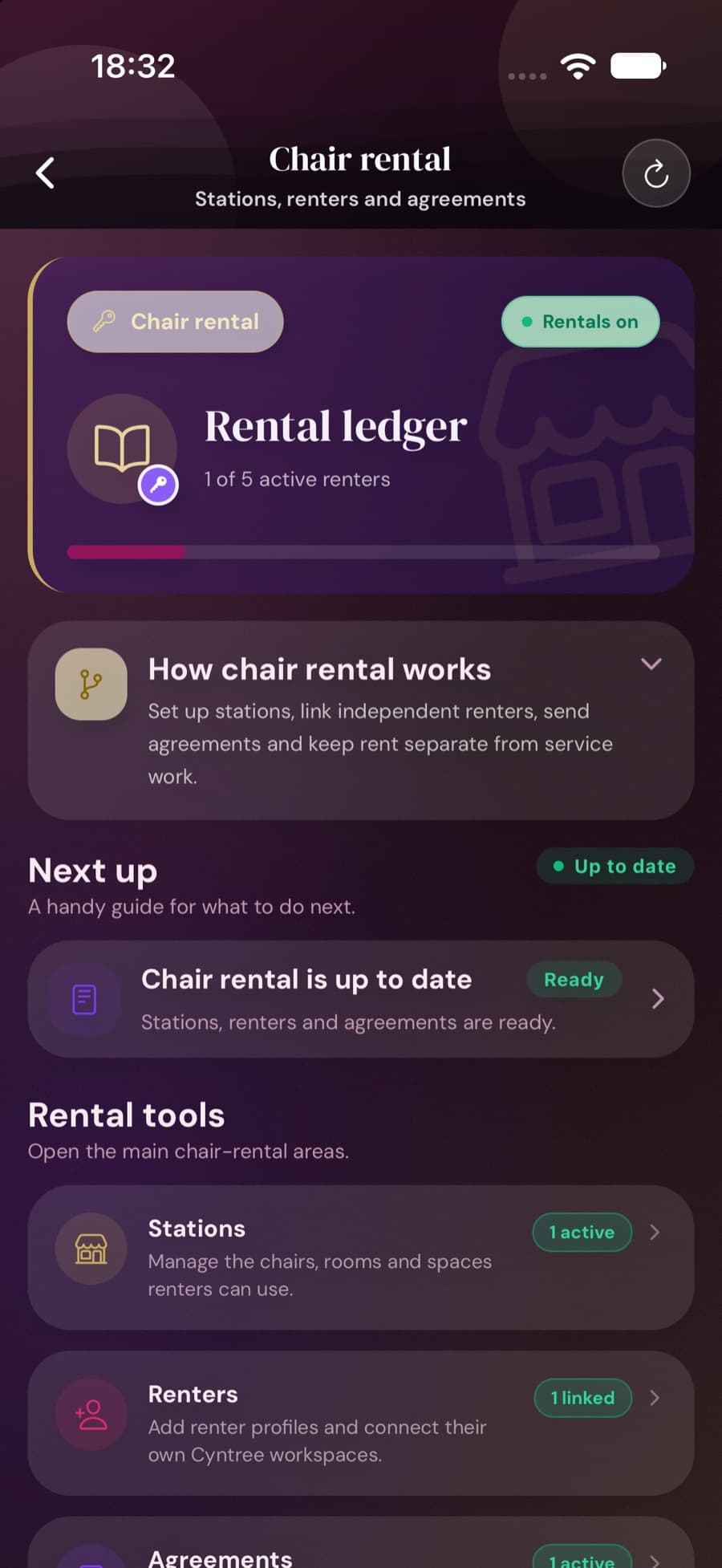
Chairs, rooms, beds or desks, at any of your locations. One chair can go to different renters on different days.
Start with a name and email. If they use Cyntree, link their workspace so everything lands in their own app.
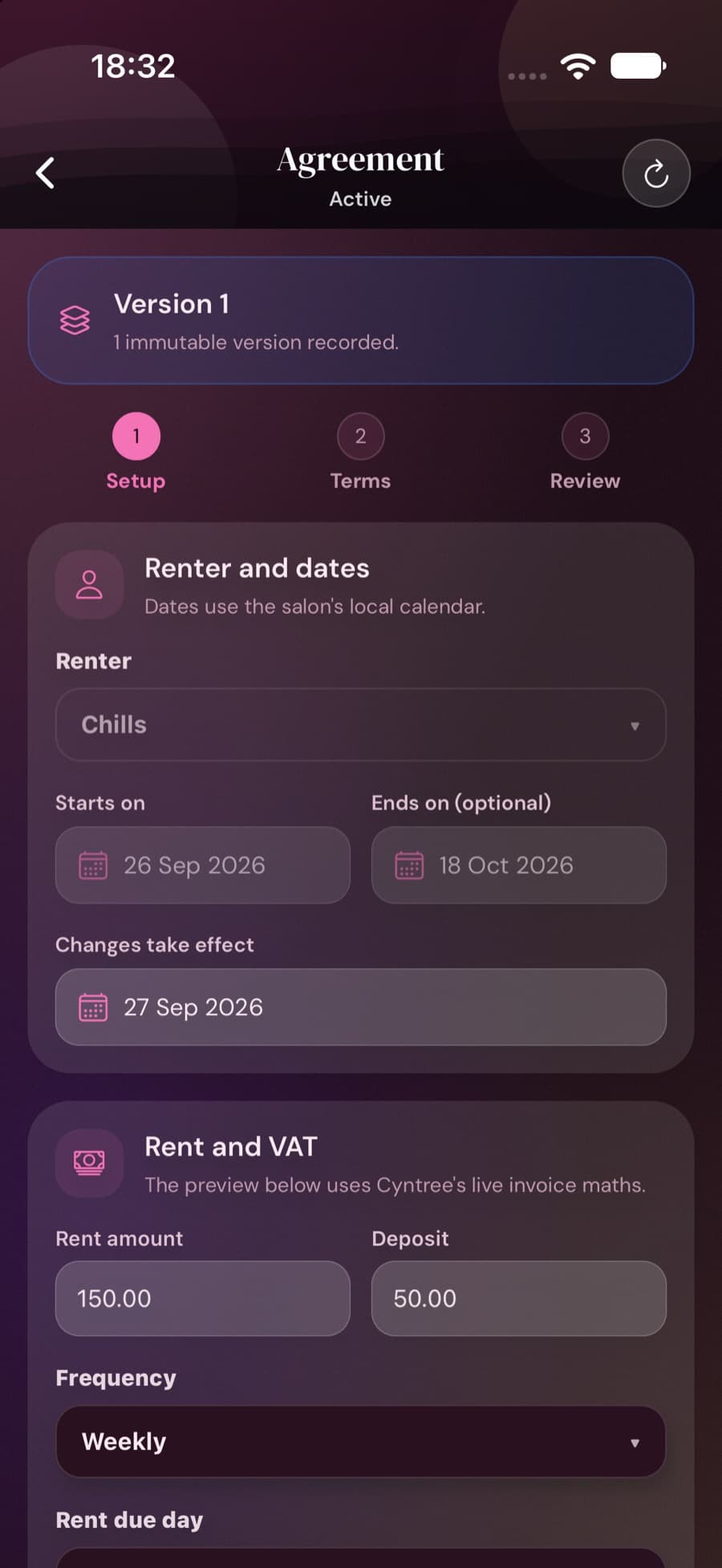
Your rent, deposit, rent day and terms. The renter reviews and accepts online, and the accepted version is kept.
Invoices go out on your schedule, reminders follow late payments, and every payment lands on the ledger.
£0
Cyntree takes nothing from your rent. Card payments go to your own Stripe or Paystack account, where their normal fees apply.
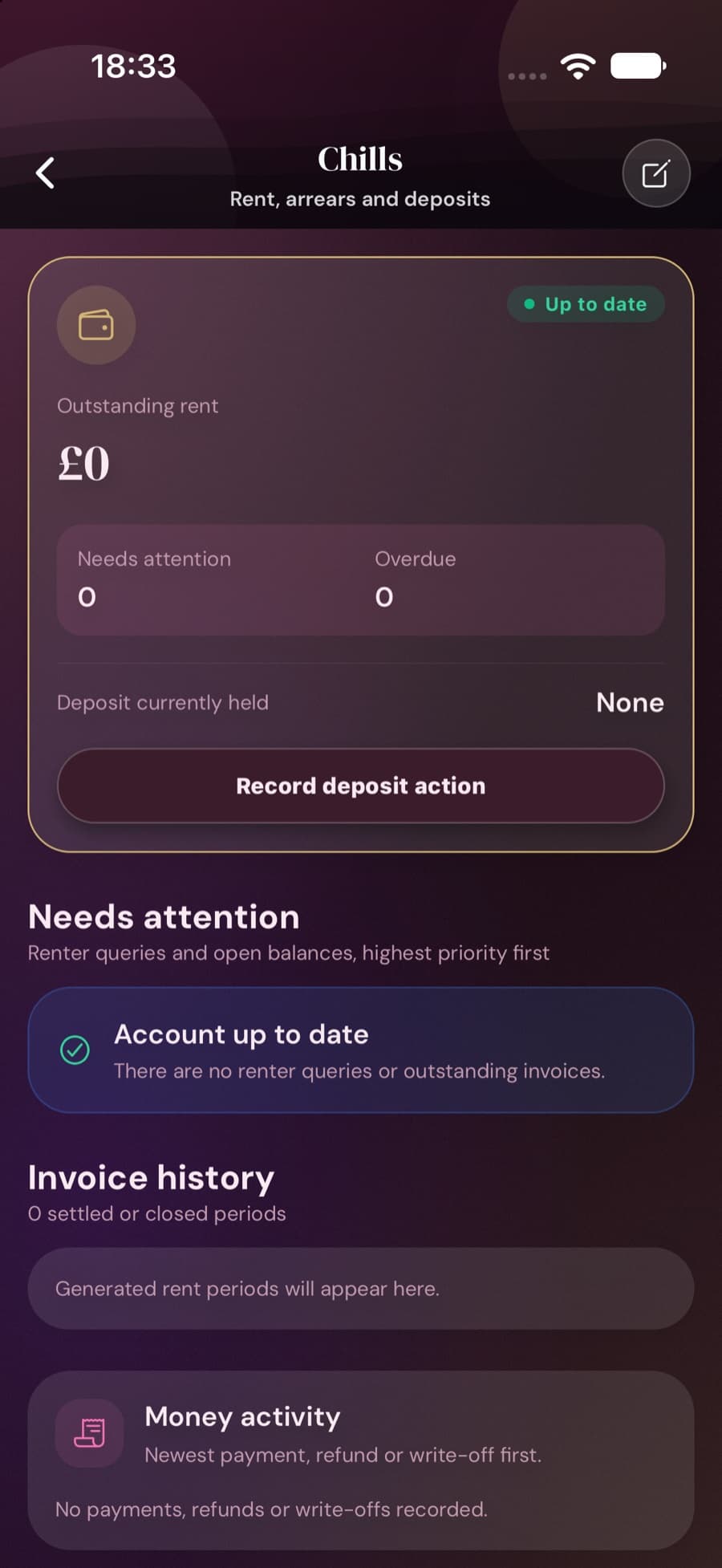
Every renter has their own rent account: what is owed, what is overdue, and the deposit you hold.
Rent, deposit, dates and terms in one agreement. The renter accepts it online, and the accepted version is saved for good.
Want to show your renters off? With both sides’ consent, your renters can appear on your salon’s booking page. Either side can withdraw at any time.
Cyntree Pro
2
active renters
Cyntree Premium
5
active renters
Cyntree Teams
Unlimited
active renters
Chair rental isn’t included on Cyntree Starter. You can keep any number of renter contacts; the limit counts renters with an active agreement. Compare plans
No. There is no Cyntree transaction fee on rent. If a renter pays by card, your payment provider's normal fees apply.
No. Renters without an account get each invoice by email with a secure pay link, plus a private page showing their rent history. Renters who use Cyntree can link their workspace and see everything in the app.
Yes. A station can be let to different renters on different days of the week, and Cyntree stops two renters being booked onto the same chair on the same day.
No. Renters run their own businesses. You see the rent side only: agreements, invoices, payments and deposits.
Reminders go out automatically and the balance shows as overdue. You can record a partial payment, use part of a deposit, or write off a balance with a reason. The invoice stays on record either way.
Not yet. Rent invoices, VAT and tax-year statements follow UK rules, so chair rental is open to UK businesses only for now.
No. You supply your own terms. Cyntree stores them, shows them to the renter, and keeps a record of acceptance. It does not give legal, tax or employment-status advice.
Set up your stations and send your first agreement from the Cyntree app.
Set up chair rental